10
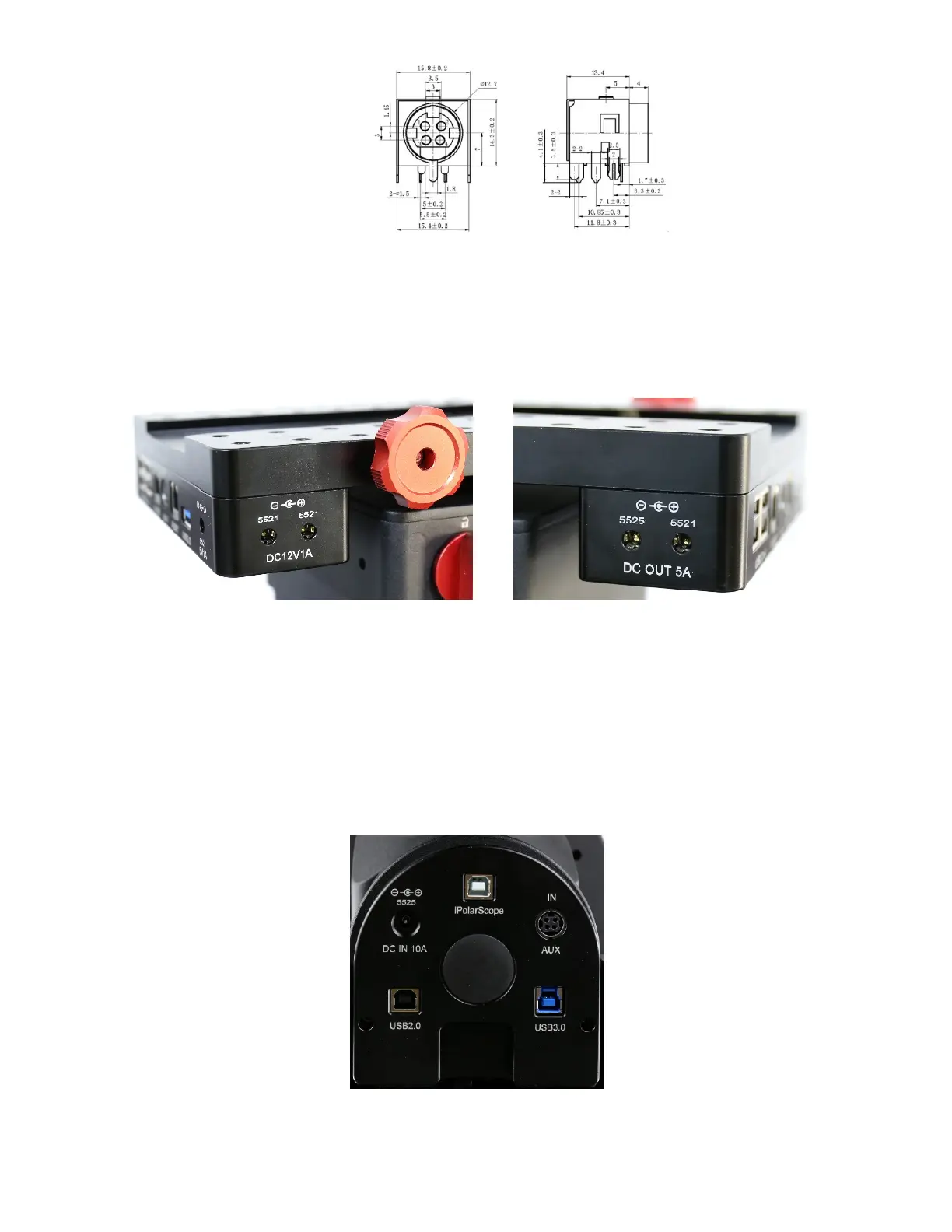
Figure 5. AUX port DIN-422 socket
iPORT: for iOptron compatible accessories, such as electrical focuser.
USB 3.0: Powered USB 3.0 port. It is connected to the USB3.0 input on the Input Panel.
5521 5V1A socket: a 2.1mmX5.5mm 5V DC power output for accessories. Maximum 1A,
center positive. This is provided by mount DC 12V power.
Figure 6. Power output sockets
On the side of the dovetail saddle, there are 4 power output sockets:
5521 12V1A socket X2: There are two 12V1A DC output sockets on the right end side of the
dovetail saddle, with 2.1mmX5.5mm, center positive sockets. They are provided by mount
DC 12V power.
On the left end side of the dovetail saddle, there are one 5525 (2.5mmx5.5mm) and one
5521 (2.1mmX5.5mm) DC output sockets for your accessories. The maximum specified
current output is 5A. They are connected to the DC IN 10 port on the Input Panel. The
voltage is determined by the input voltage, such as V, 12V or 24V.
Figure 7. Cable Management System Input Panel



 To Next Page