21
BrightStar Polar Alignment/Polar Iterate Align
BrightStar Polar Alignment allows you to polar align the mount even if you cannot view the
Celestial Pole.
(1) Level the CEM120 mount and set it at Zero Position. Make sure the telescope is parallel to
the pole axis (R.A. axis) of the mount. If a finder scope is used, adjust it to be parallel to the
telescope optical axis. Turn the mount power on.
(2) Pressing MENU=>“Alignment”=>“Polar Iterate Align”. The HC will display the azimuth and
altitude position of several bright stars near meridian. Select one that is visible with high
altitude as Alignment Star A. Follow the HC instruction to move the Star A to the center of
the eyepiece with the combination of Latitude Adjustment Knob and “◄” or “►” button.
Press ENTER to confirm. Next, select a bright star that is close to the horizon as the
Alignment Star B. Center it using the Azimuth Adjustment Knob and “◄” or “►” button (The
“▲” and “▼” buttons are not used here). Press ENTER to confirm.
(3) The telescope will now slew back to Star A to repeat above steps. The iteration can be
stopped when it is determined that the alignment error is at the minimum. Press BACK
button to exit alignment procedure.
NOTE: The movement of the alignment star in your eyepiece may not be perpendicular but
crossed, depends on its location in the sky.
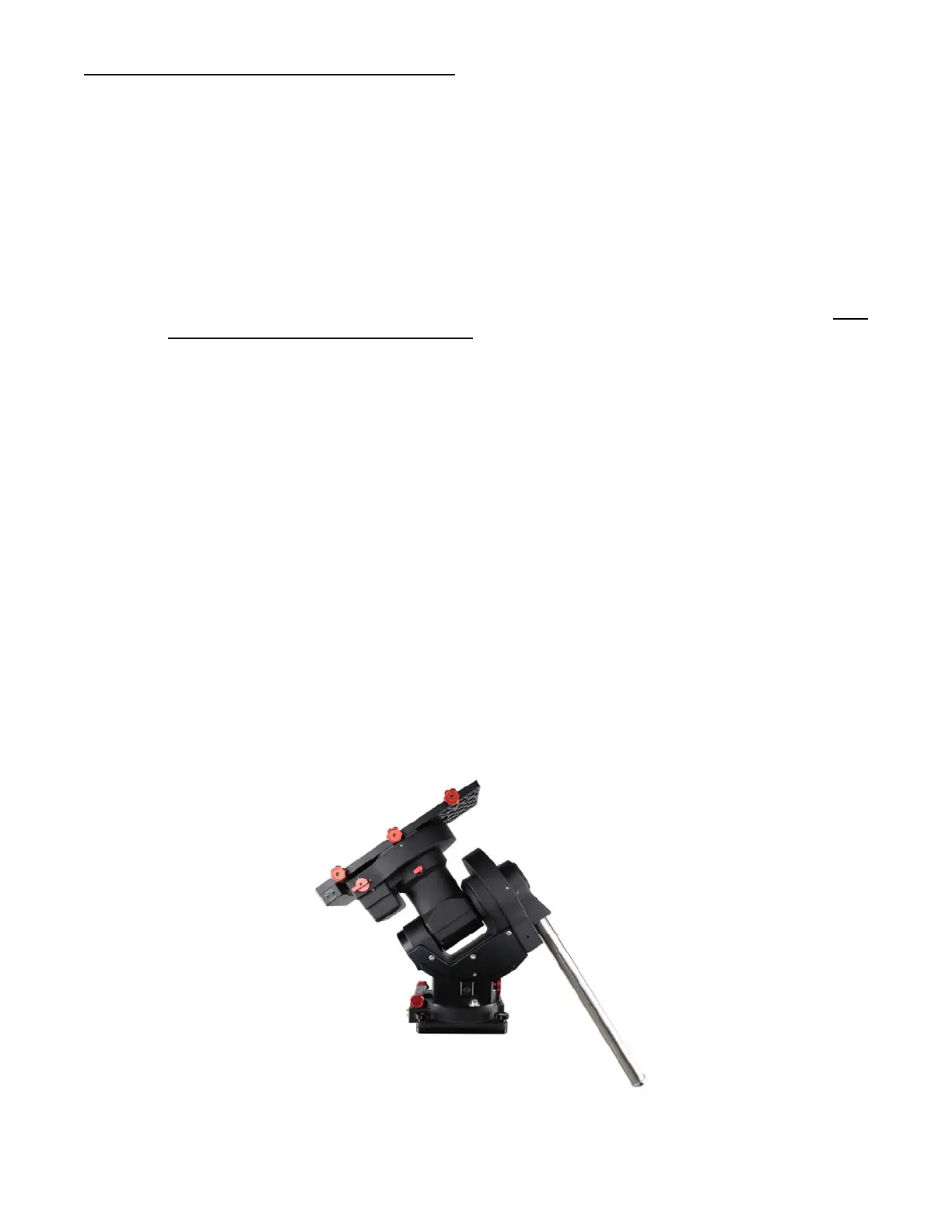
STEP 9. Return Mount to Zero Position
After polar alignment and balancing OTA, return the mount to the Zero Position. The Zero
Position is achieved when the CW shaft is pointing towards the ground, with the OTA/dovetail at its
highest position, its axis parallel to the polar axis, and the OTA pointing to the Celestial Pole.
Press MENU => “Zero Position” => “Goto Zero Position”. When the mount stopped, loosen
the DEC and R.A. Gear Switches in turn to adjust the mount to the Zero Position. Engage the clutches
after each adjustment. Or press MENU => “Zero Position” => “Search Zero Position” to go to the
Zero Position.
Please set the zero position if it is the first time using the mount, or the firmware just being
updated. You can always check the Zero Position by using MENU=>”Zero Position”=>”Goto Zero
Position” before each session.
Figure 18. Zero Position



 To Next Page