640 & 650 Series 947291 Configuring Ethernet Models 640e & 650e 4-7
STEP 5 - Configure the Computer’s Network Settings [Applies to “dedicated networks” only]
The 640e and 650e Ethernet ports typically require 30 seconds after power-up to configure,
before the unit can be accessed via the network.
If using a LAN (Local Area Network), which has a DHCP server, skip this section and continue
with STEP 7 - Configure and Test the System using the Daq Configuration Applet (page 4-11).
If using a LAN (Local Area Network), which has no DHCP server, skip this section and
continue with STEP 6 - Configure Device Network Settings using DaqIPConfig (page 4-10).
1. Open the Control Panel by navigating from the Windows Desktop as follows:
Start Menu Settings Control Panel.
2. Double-click the “Network and Dial-up Connections” icon.
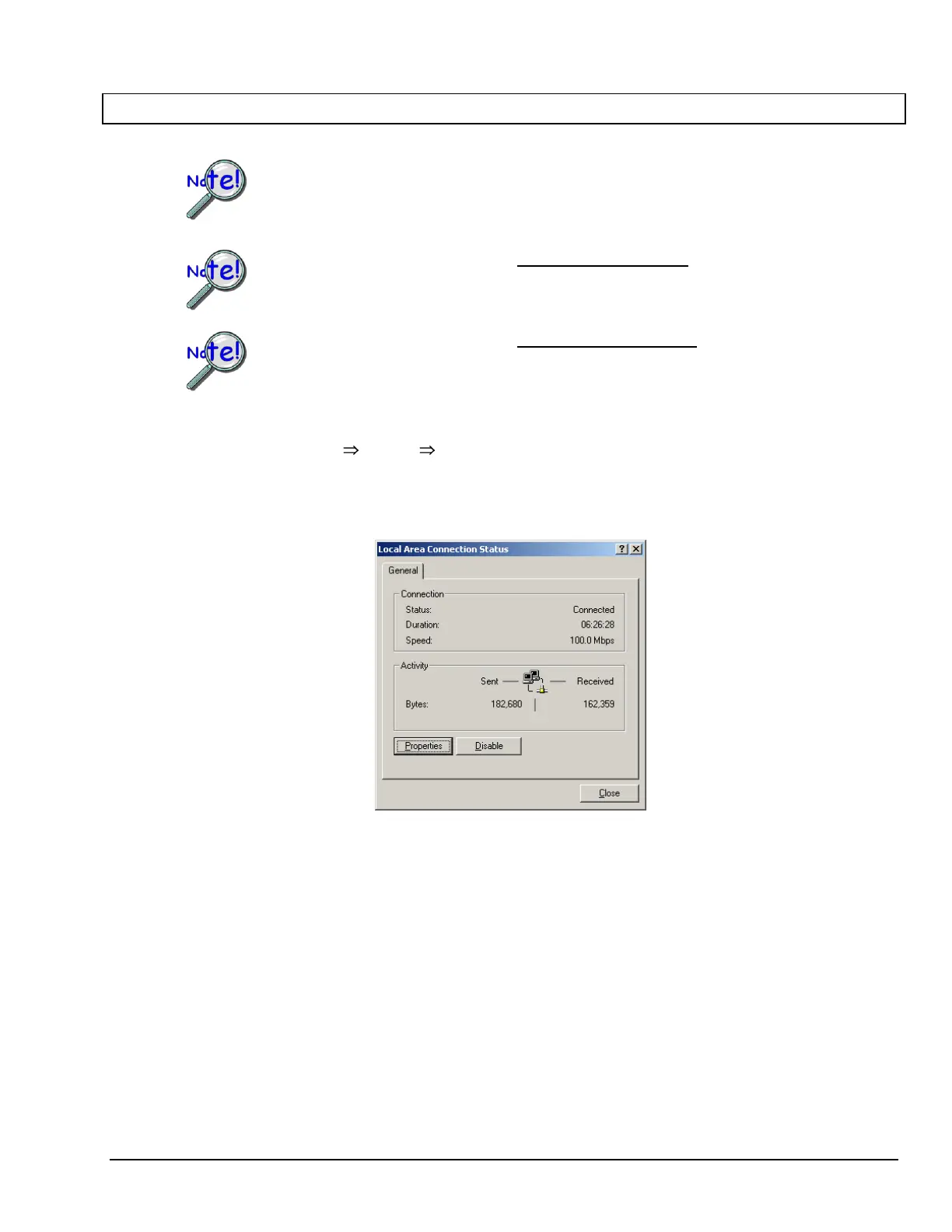
3. Double-click the “Network Connection” icon for the network that the 640e or 650e is connected to.
Local Area Connection Status



 To Next Page