EasyManua.ls Logo

iPECS LDP-9030D - Call Log

iPECS LDP-9030D
44 pages
Print Icon
To Next Page IconTo Next Page
To Previous Page IconTo Previous Page
Loading...
Call Log
The call log feature enables the LDP phone user to view a log of the last(100) incoming and
outgoing calls. The user can scroll through the list of numbers stored, select the number
and activate a redial to that number
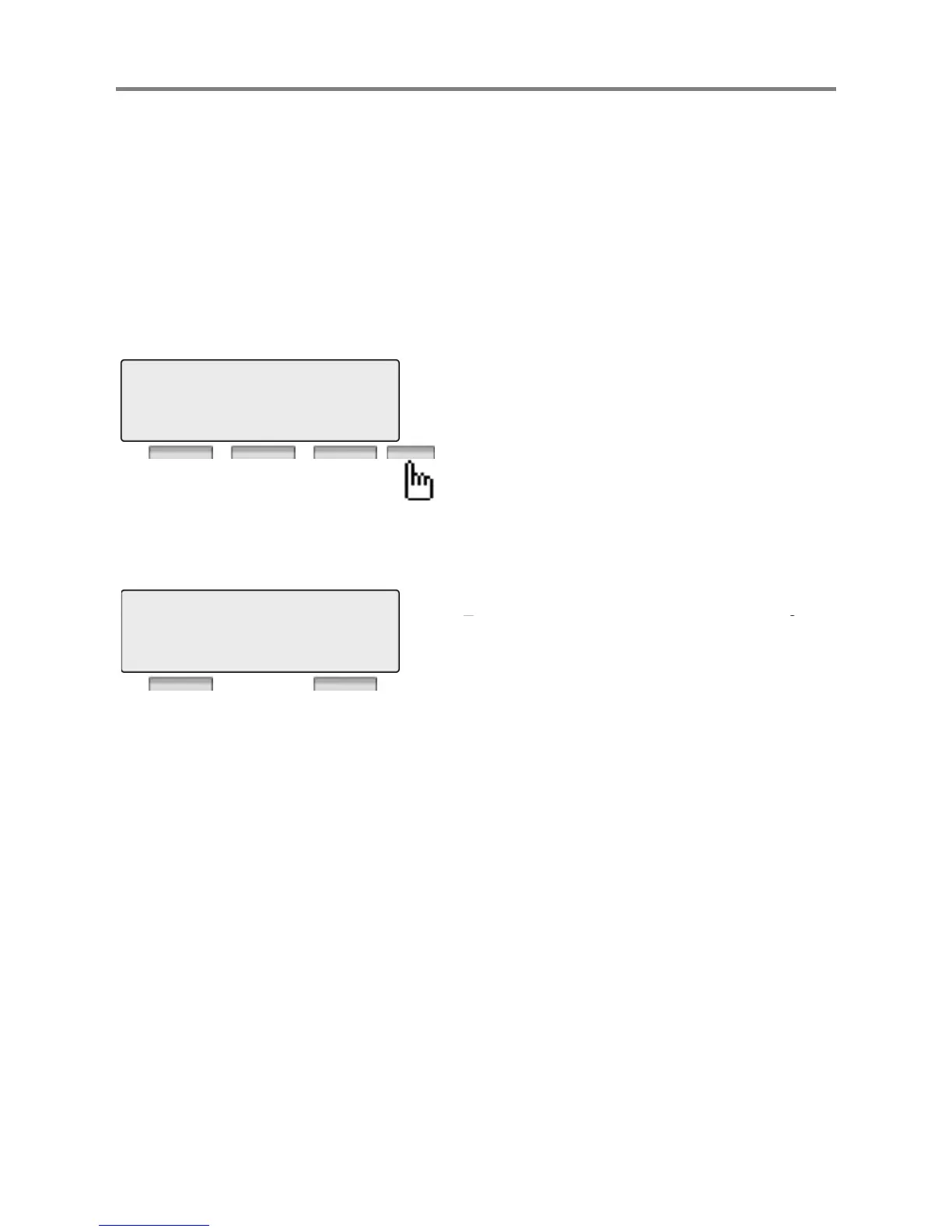
Press the [Call Log] button.
: Incoming Call
: Outgoing Call
M : Missed Call
Call Log Button PGM : Call Log Feature code (685)
and
activate
a
redial
to
that
number
.
M
:
Missed
Call
SEND : Press to make a call with selected list.
SELECT : Press to see the detailed information
of list.
EXIT : Press to exit the call log menu.
01 9123456789
02 M 9987654321
SEND SELECT EXIT
DEL
_
SEL : Press to delete the selected call lo
g
list.
01 9123456789
_
g
DEL_ALL : Press to delete all call log list
02 M 9987654321
DEL_SEL DEL_ALL
17

Other manuals for iPECS LDP-9030D

Related product manuals