Menu
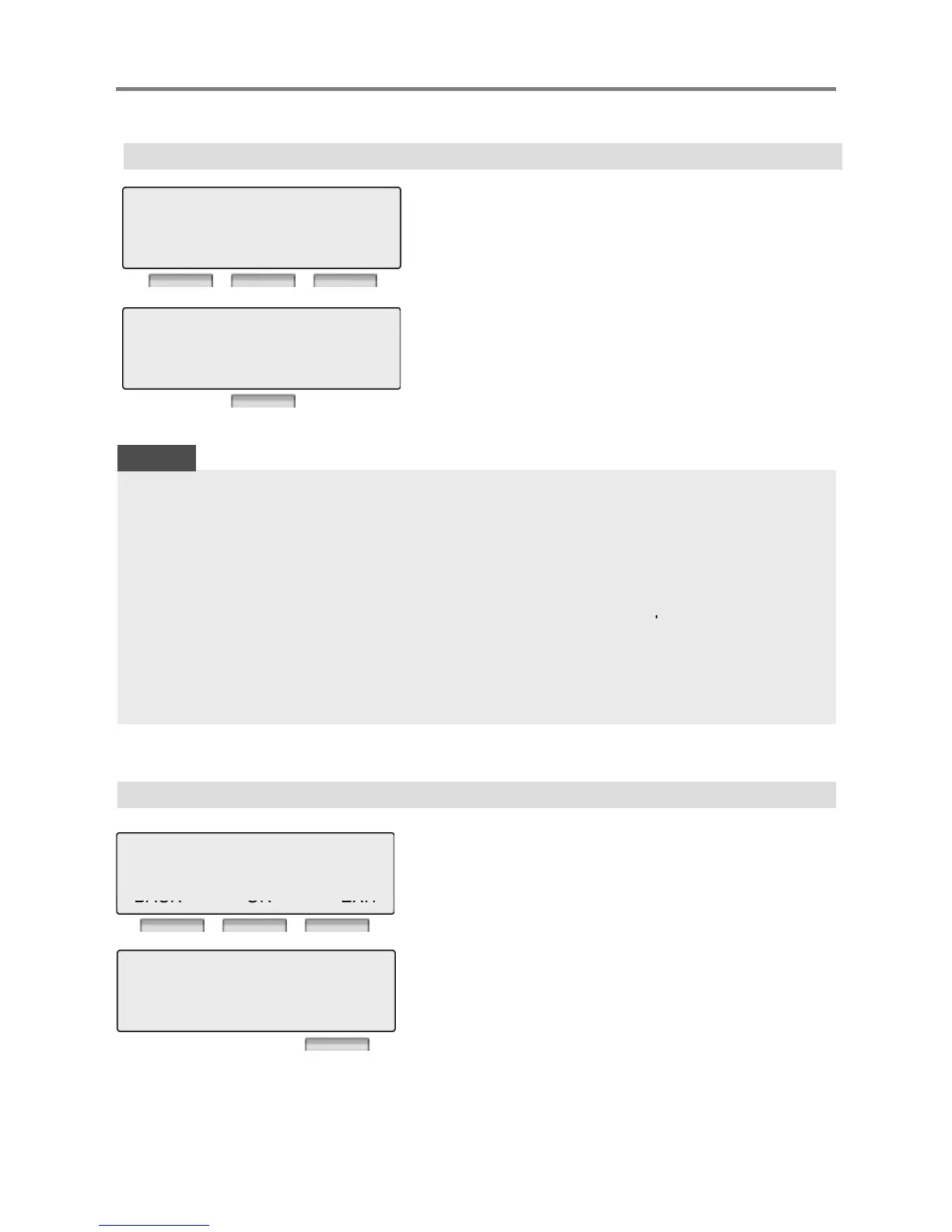
1.1 ANSWER MODE(H/T/P)
Select ICM Mode.
Press [OK] or [Hold/Save] button.
1> ANSWER MODE(H/T/P)
2 STATION NAME PROGRAM
BACK OK EXIT
※ There are three types as follows;
H(1) HANDSFREE MODE
T(2) TONE MODE
P(3) PRIVATE MODE
NOTE
H(1) T(2) P(3)
BACK OK EXIT
You will hear three bursts of tone and an announcement.
Reply hands-free or lift handset for privacy. The calling party can
hear any conversation in progress.
You will hear repeated bursts of intercom ring tone and
the HOLD button slow flashes. Lift the handset or
the SPEAKER button to answer.
You will hear three bursts of tone and one-way announcement.
The calling party cannot hear any conversation in progress
PRIVATE
Press [OK] or [Hold/Save] button.
1.2 STATION NAME PROGRAM
1 ANSWER MODE(H/T/P)
2>STATION NAME PROGRAM
Enter the name.
※ For detailed information about entering
name, see the page 37.



 To Next Page