Menu
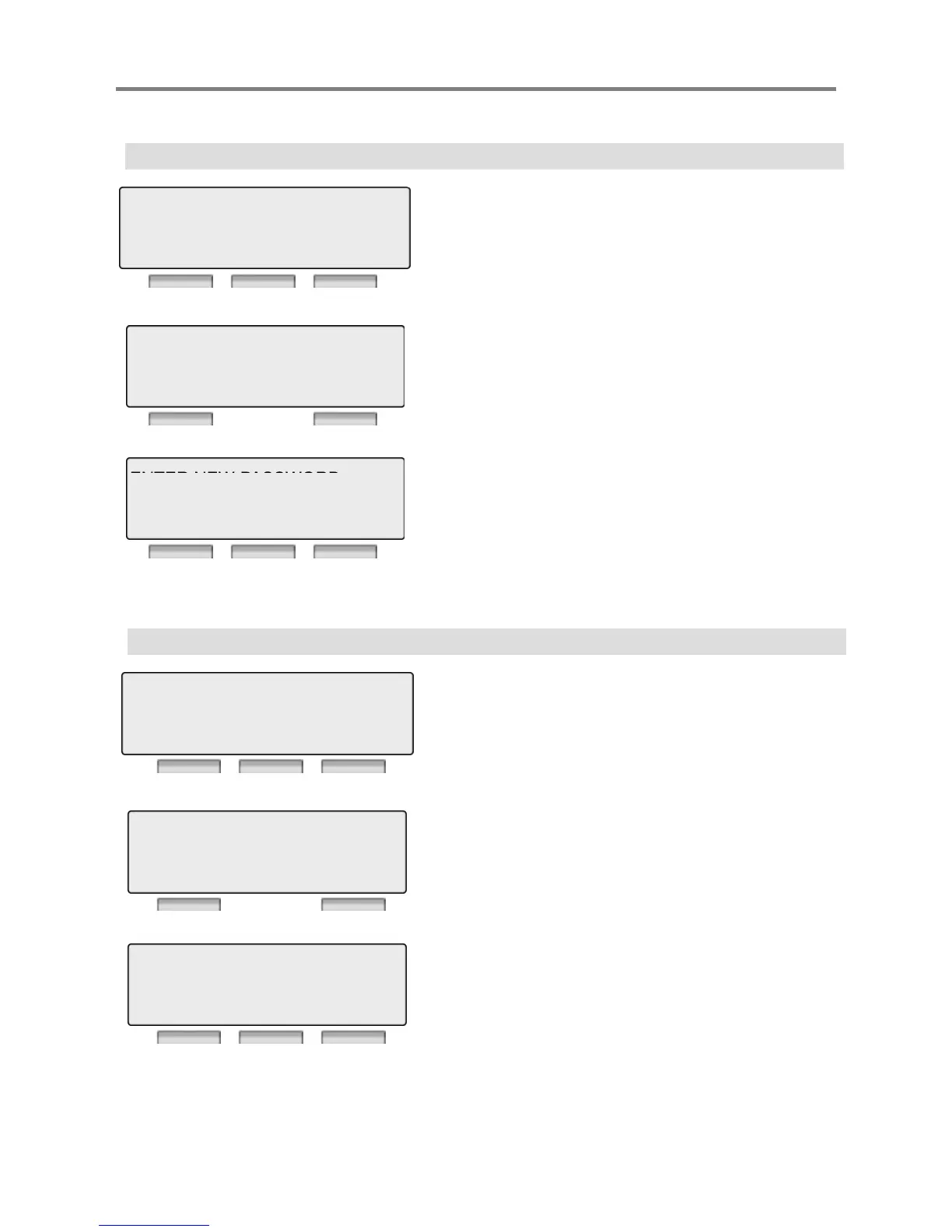
5.6 CREAT CONFERENCE ROOM
Press [OK] or [Hold/Save] button.
5 MOBILE-EXT SERVICE CLI
6> CREATE CONFERENCE ROOM
BACK OK EXIT
Enter Conference Room Number
Enter Password for conference room Or
※ Please refer to Feature Numbering Plan in System.
DIAL ROOM NUMBER
571
BACK EXIT
,
Press [OK] or [Hold/Save] button.
BACK OK EXIT
5.7 DELETE CONFERENCE ROOM
Press [OK] or [Hold/Save] button.
7> DELETE CONFERENCE ROOM
BACK OK EXIT
Select Mobile Ext. index.(1 or 2)
DIAL ROOM NUMBER
BACK EXIT
Enter password for conference room.
Press [OK] or [Hold/Save] button.
ENTER CURRENT PASSWORD
BACK OK EXIT
31



 To Next Page