EasyManua.ls Logo

iPECS LDP-9030D - Password, Call Log Protection

iPECS LDP-9030D
44 pages
Print Icon
To Next Page IconTo Next Page
To Previous Page IconTo Previous Page
Loading...
Menu
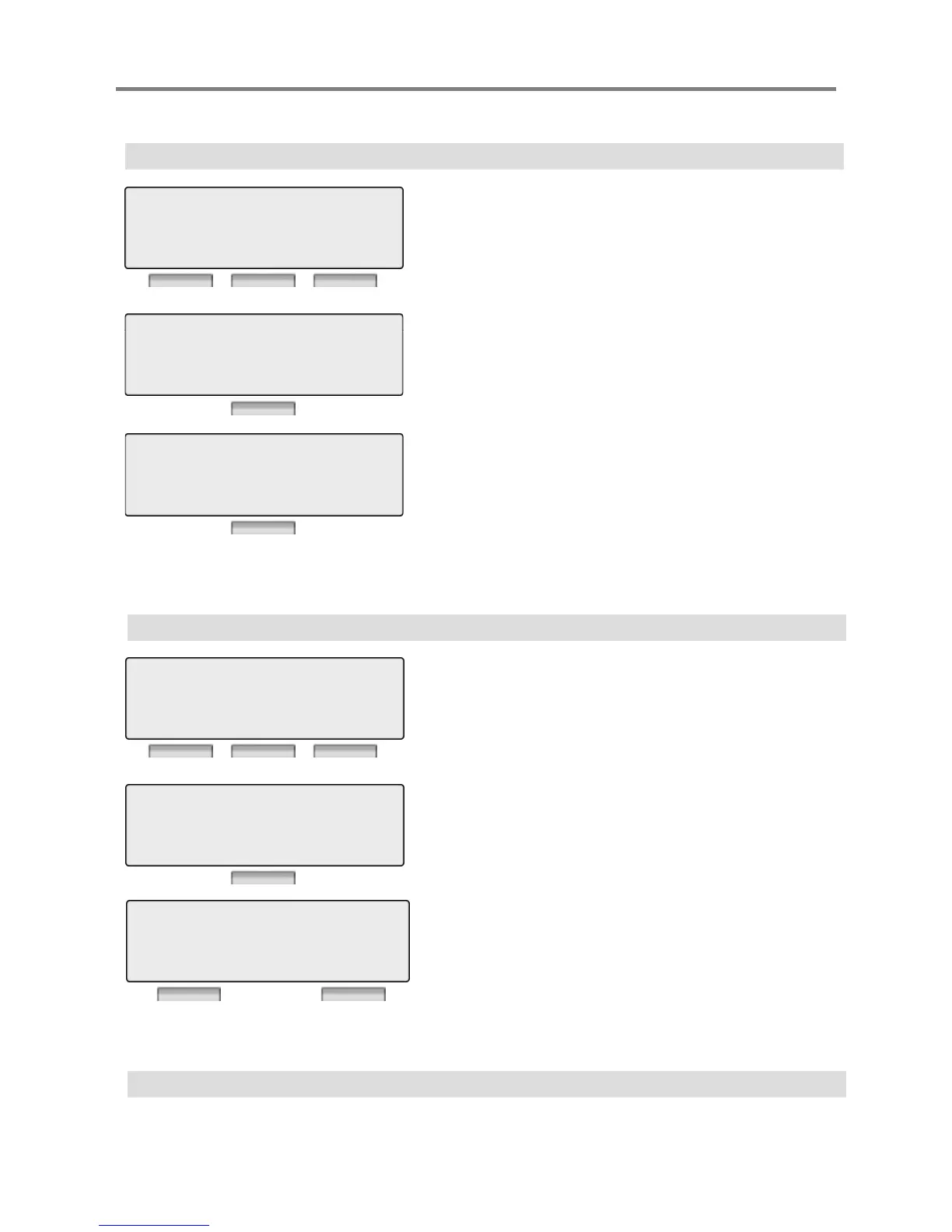
3.4 REGISTER PASSWORD
Press [OK] or [Hold/Save] button.
3 WALKING COS
4 >REGISTER PASSWORD
BACK OK EXIT
ENTER NEW PASSWORD
Press [OK] or [Hold/Save] button.
Enter new password.
ENTER
NEW
PASSWORD
BACK OK EXIT
PRESS OK / SAVE KEY
*******
Password should be registered.
*******
BACK OK EXIT
Press [OK] or [Hold/Save] button.
3.5 CALL LOG PROTECT
5 > CALL LOG PROTECT
6 SMS MESSAGE PROTECT
BACK OK EXIT
Press [OK] or [Hold/Save] button.
Enter current password.
ENTER CURRENT PASSWORD
***********
BACK OK EXIT
Select 1 for Yes, 2 for No.
Password should be registered.
PROTECT ?
YES : 1, NO : 2
BACK EXIT
27
3.6 SMS MESSAGE PROTECT
LDP-9030D does not support SMS feature.

Other manuals for iPECS LDP-9030D

Related product manuals