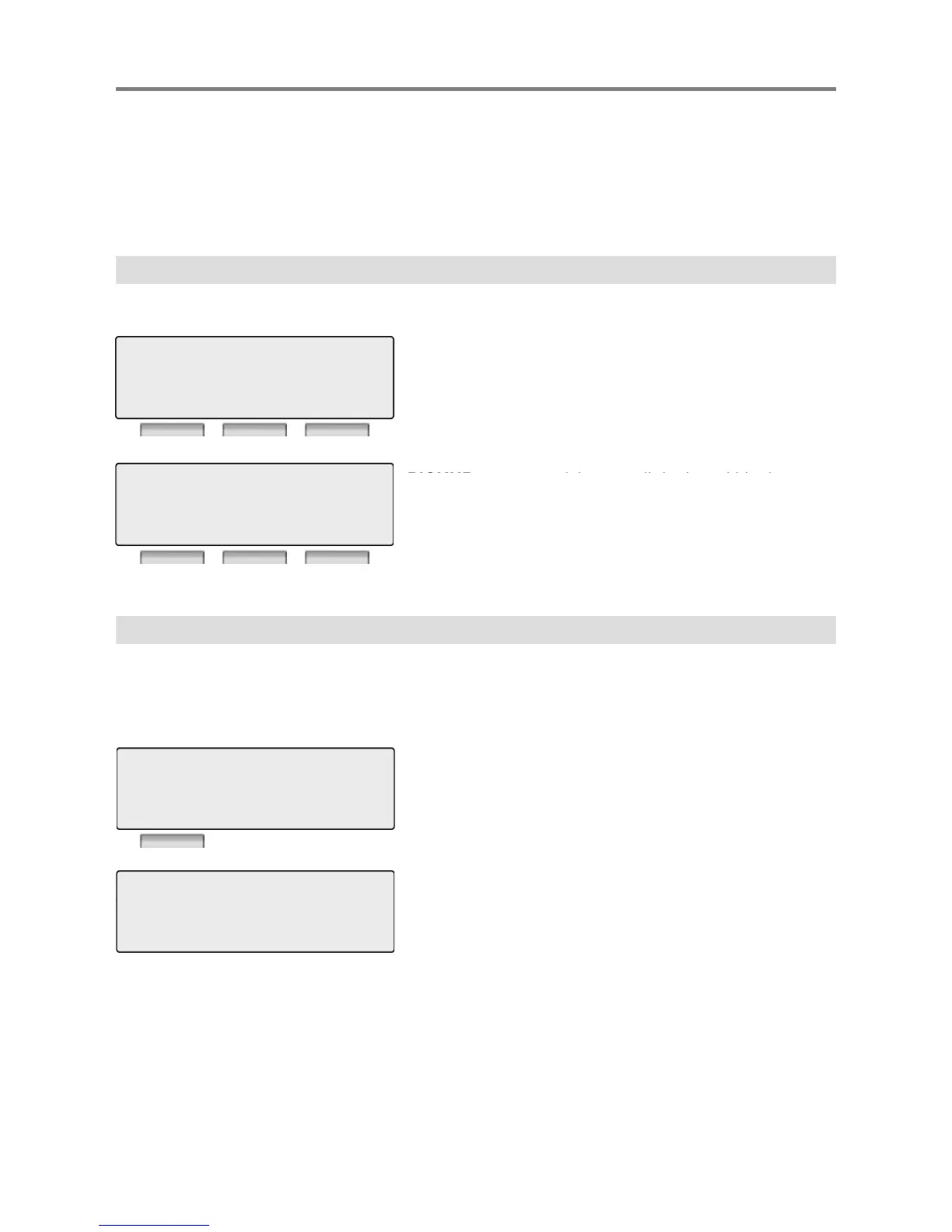
By pressing one of the 3 soft buttons you are able to select the indicated function. For instance, if
than three functions available at any point, an arrow will be displayed on the LCD display. Use the
navigation key to move the next or previous screen to display additional functions.
3 Soft Buttons are located below the LCD display.
1. Idle
LOG : press to check call log information
DIR : press to use Directory Service.
(Station/System Speed)
REDIAL : press to redial last number called.
STATION 100 (T)
12 OCT 09 12:00 pm
LOG DIR REDIAL
e
same pickup group.
FWD : Press the [FWD] button to forward calls to
another station, Voicemail etc.
DND : press the [DND] to set Do Not Disturb.
STATION 100 (T)
12 OCT 09 12:00 pm
PICKUP FWD DND
1.1 Pickup
A station can pickup a call ringing to an unattended station within the same pickup group by using
the pickup procedure.
* Refer to iPECS-MG system programming manual.
CALL TO STA 104 PICKED UP
on.
Talk
STATION 100 (T)
12 OCT 09 12:00 pm
PICKUP FWD DND
CALLER 101 12:00 pm
TRANS CONF MUTE
9



 To Next Page