EasyManua.ls Logo

iPECS LDP-9030D - Conference Call Procedure

iPECS LDP-9030D
44 pages
Print Icon
To Next Page IconTo Next Page
To Previous Page IconTo Previous Page
Loading...
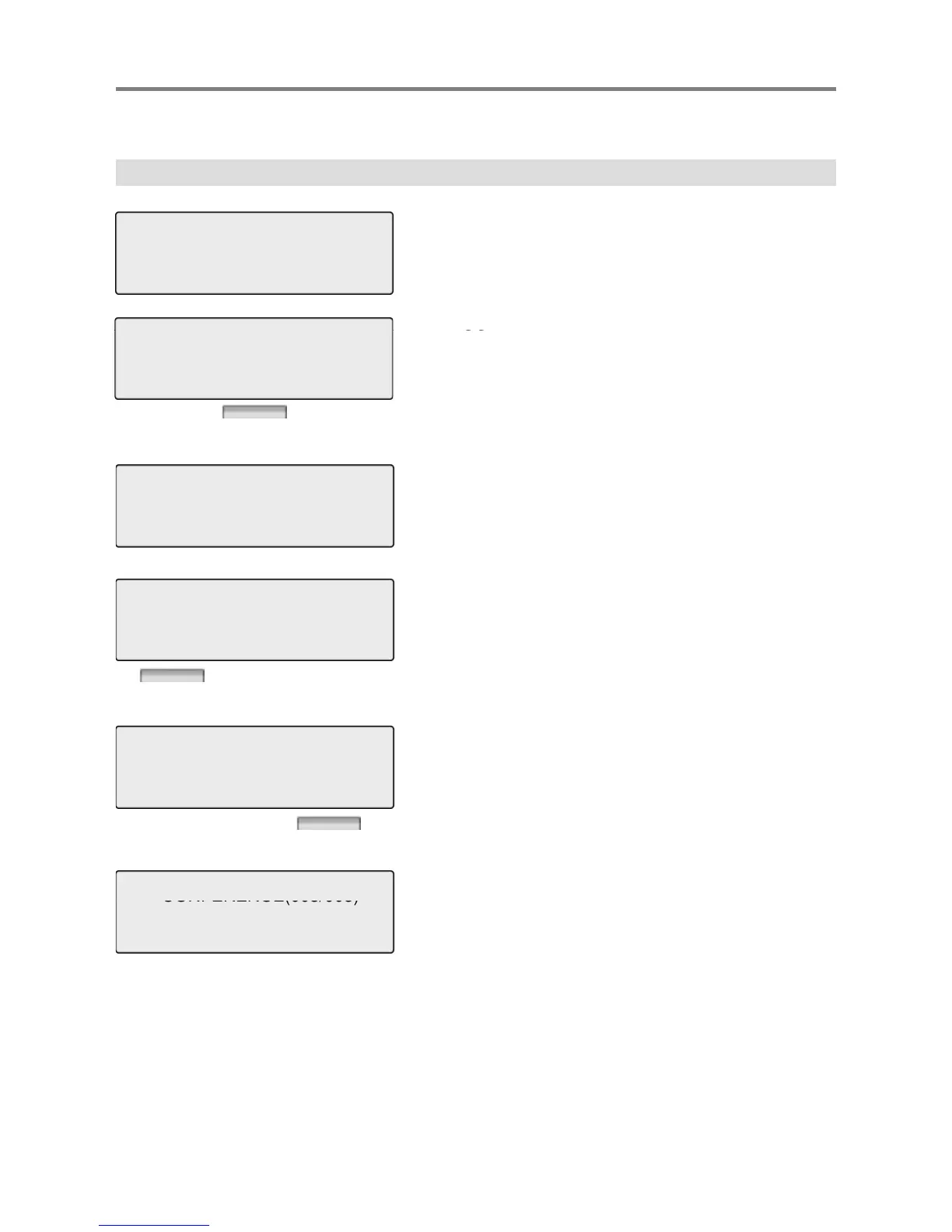
1.2 Conference
Basic Function
CALL TO 100
12 OCT 09 12:00 pm
MSG FLASH
Dial the desired station number.
(e.g.100)
Station 100 answers the call.
CO
Press [
CO
NF] button.
CONNECT TO 100
FEB 01 04 05:34 pm
TRANS CONF MUTE
CALL TO 104
12 OCT 09 12:00 pm
CONF(R) FLASH
Dial the phone number of the next desired station.
(e.g.104)
Station 104 answers the call.
Press the [CONF (A)]
CONNECT TO 104
Press
the
[CONF
(A)]
Press the [CONF (R)]. Or Dial another
tti
DN 101
12 OCT 09 12:00 pm
CONF(A) CONF(R) FLASH
s
t
a
ti
on.
CONFERENCE(003/003)
A 3-party conference is now established.
12 OCT 09 12:00 pm
LOG DIR CONF(R)
CONFERENCE(003/003)
12 OCT 09 12:00 pm
MUTE CONF FLASH
10

Other manuals for iPECS LDP-9030D

Related product manuals