1.3 Redial
Basic Function
Press the [REDIAL] button.
The last number dialed on an external call is automatically saved in the LAST Number&
Redial (LNR) buffer Or Call Log Buffer.
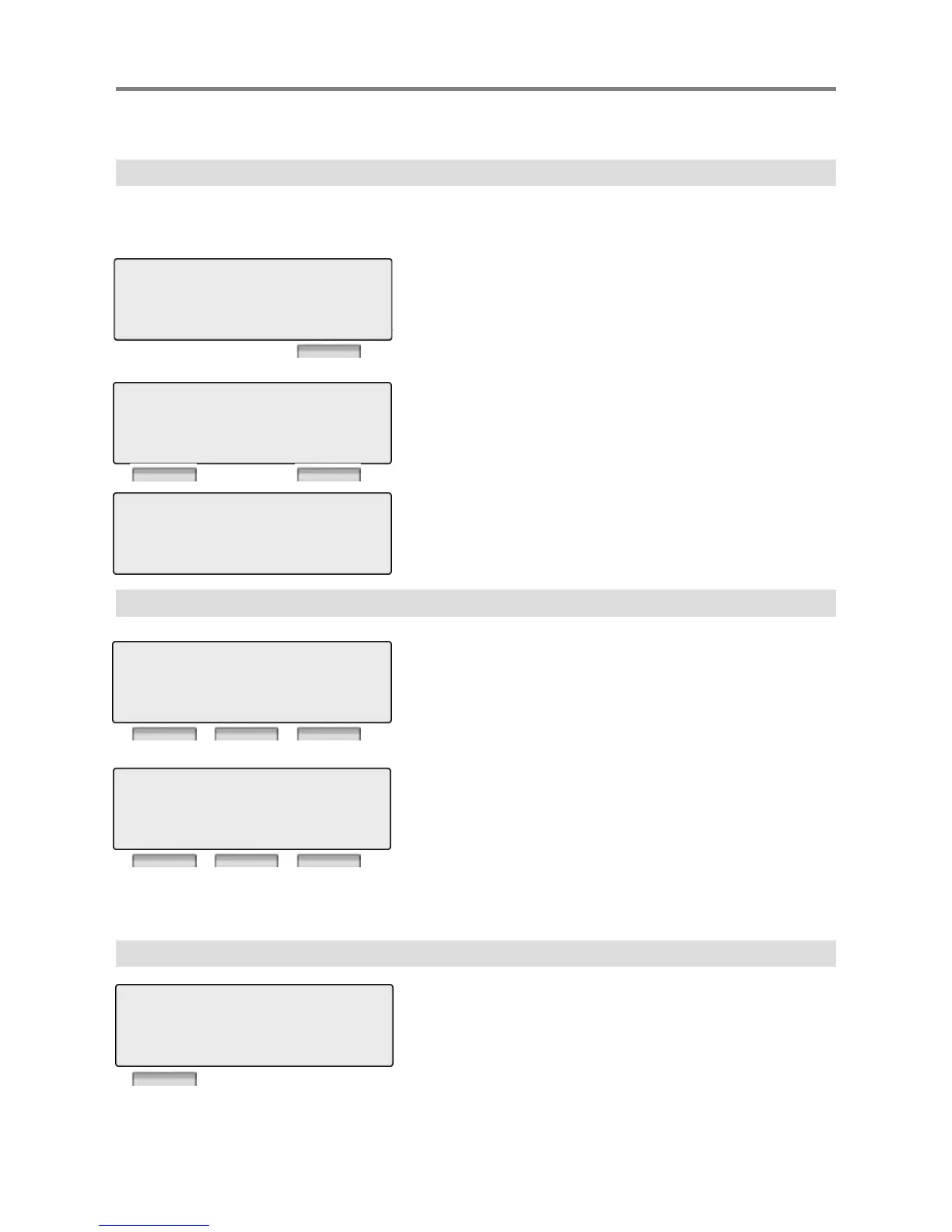
STATION 100 (T)
12 OCT 09 12:00 pm
LOG DIR REDIAL
Press [SEND] button to make call.123456789
26/12 16:00
EXIT SEND
123456789
LINE 008 00:00:10
TRANS CONF MUTE
Talk
2. Off Hook
LOG : press to check call log information
DIR : press to use Directory Service.
(Station/System Speed)
REDIAL : press to redial last number called.
STATION 100 (T)
12 OCT 09 12:00 pm
LOG DIR REDIAL
PICKUP : press to pickup a call ringing within the
same pickup group.
FWD : Press the [FWD] button to forward calls to
another station, Voicemail etc.
DND : press the [DND] to set Do Not Disturb.
STATION 100 (T)
12 OCT 09 12:00 pm
PICKUP FWD DND
3. Intercom Dialing
LOG : press to check call log information
FLASH : If you wish to terminate an ICM call and make



 To Next Page