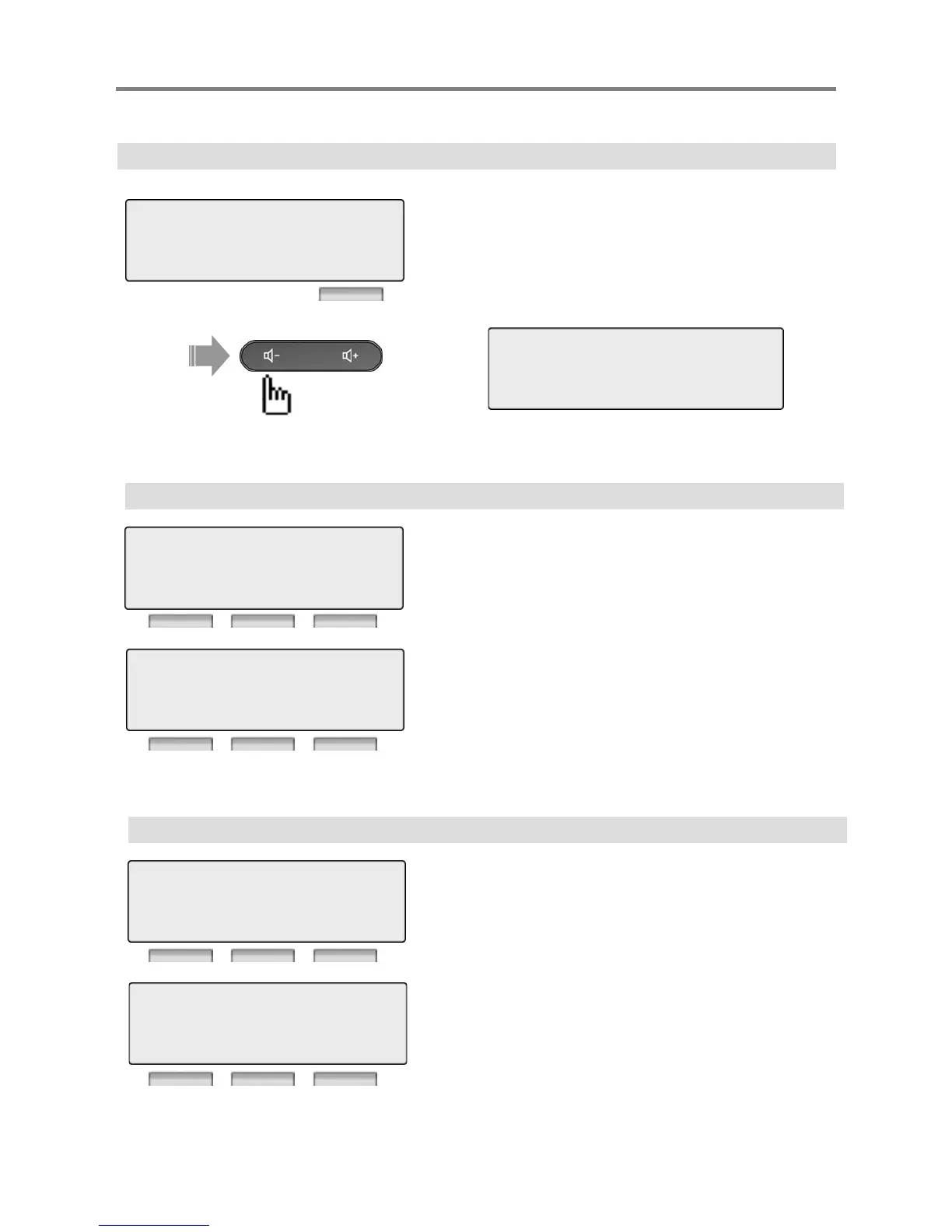
4. MULTI MESSAGE
Menu
Press [OK] or [Hold/Save] button.
3 COS / PASSWORD
4> MULTI MESSAGE
OK EXIT
1 > PRESELECTED MSG PGM
2 SET USER MESSAGE
BACK OK EXIT
Press [Volume] button.
4.1 PRESELECTED MSG PGM
Press [OK] or [Hold/Save] button.
1 > PRESELECTED MSG PGM
2 SET USER MESSAGE
BACK OK EXIT
Select preselected message.
Press [OK] or [Hold/Save] button.
1 > LUNCH RETURN TIME
2 VACATION DATE
BACK OK EXIT
※ Preselected Message 0~9, * : User Custom Message, # Message Deactivated
4.2 SET USER MESSAGE
Press [OK] or [Hold/Save] button.
1 PRESELECTED MSG PGM



 To Next Page