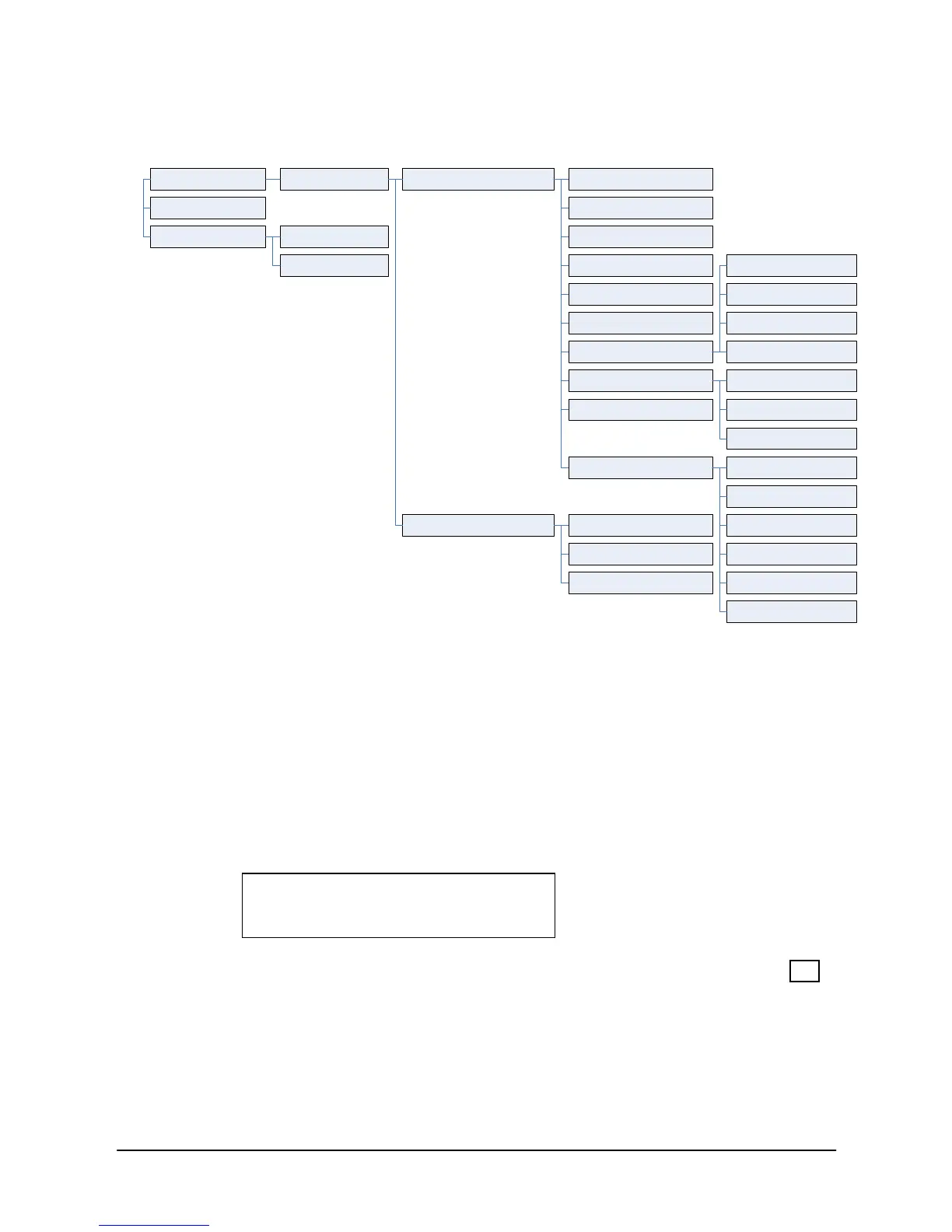
2.2.5 Button Program (LIP-9030/9040 Only)
A User can save or change a feature to flexible button, also can label a
flexible button.
To configure a Button Program:
Press MENU button and 5 (Button Program),
The following menu list displays:
1. BUTTON FEATURE
2. BUTTON LABEL
Press the Navigation up/down keys to highlight and then press the OK
button.
OR
Dial the number associated to the selection,
When BUTTON FEATURE is chosen, press the desired button.



 To Next Page