LIP-9000 Series User Guide - ST 21
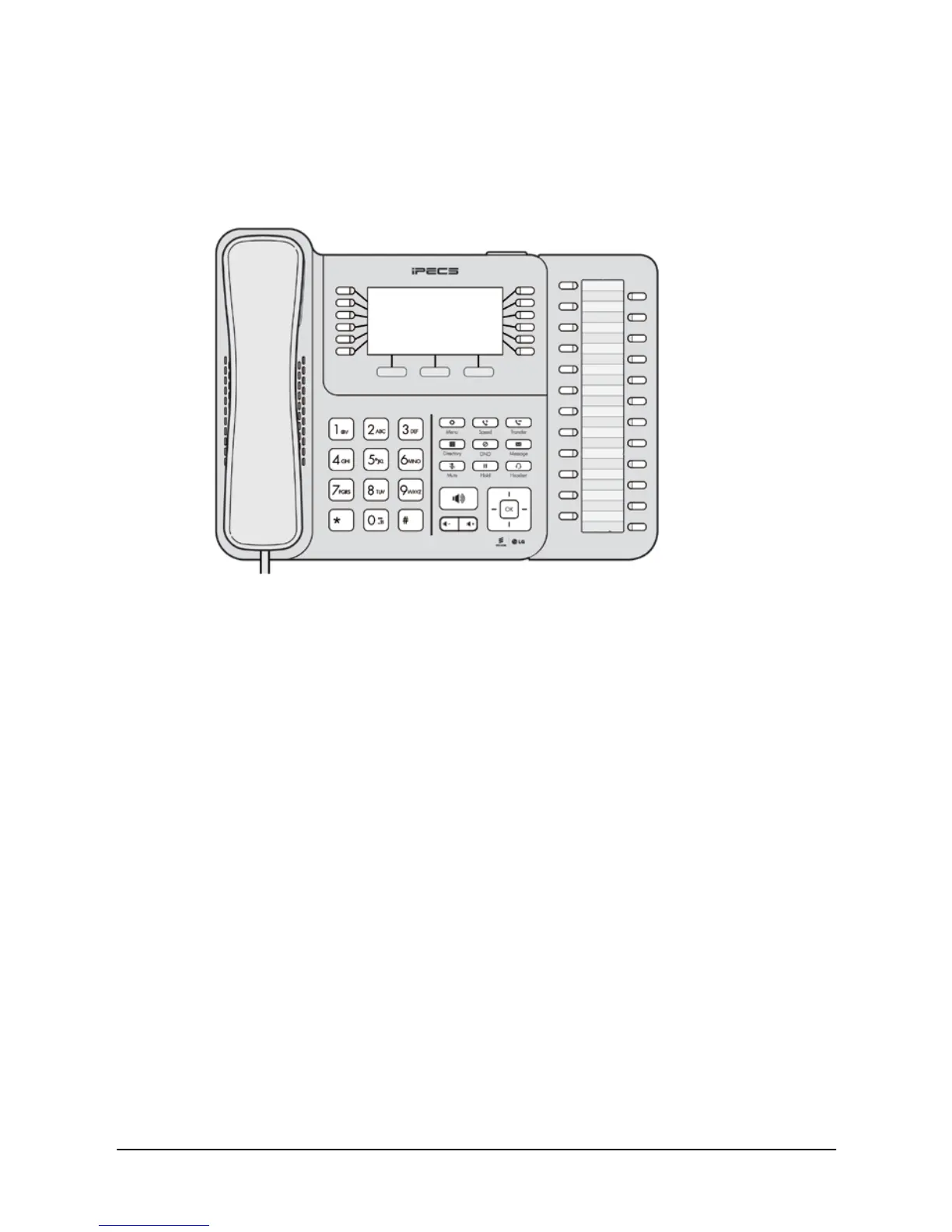
2.4 Using a button kit
The LIP-9012 DSS, LIP-9024 DSS, and LIP-9024 LSS can be easily
connected with the LIP-9020, LIP-9030, and LIP-9040.
Figure 7: LIP-9024 DSS button kit connected with LIP-9040 Phone
Be sure to verify the DSS and LSS capacities with the iPECS-UCP System
to ensure usability (refer to iPECS-UCP Manual).
LIP-9024 LSS has 2-page LCD screen. The 2 buttons in the bottom are
used to navigate between the pages.
The button LEDs are used to indicate the current page and notify the status
of features assigned in the other page.
For example, when the current LCD screen of LSS is on 1st page, the left
button LED is active.
And if there is the flashing of a button led assigned in 2nd page, the right
button LED will flash.



 To Next Page