52 LIP-9000 Series User Guide - ST
To place a call using numbers stored in the Call Log:
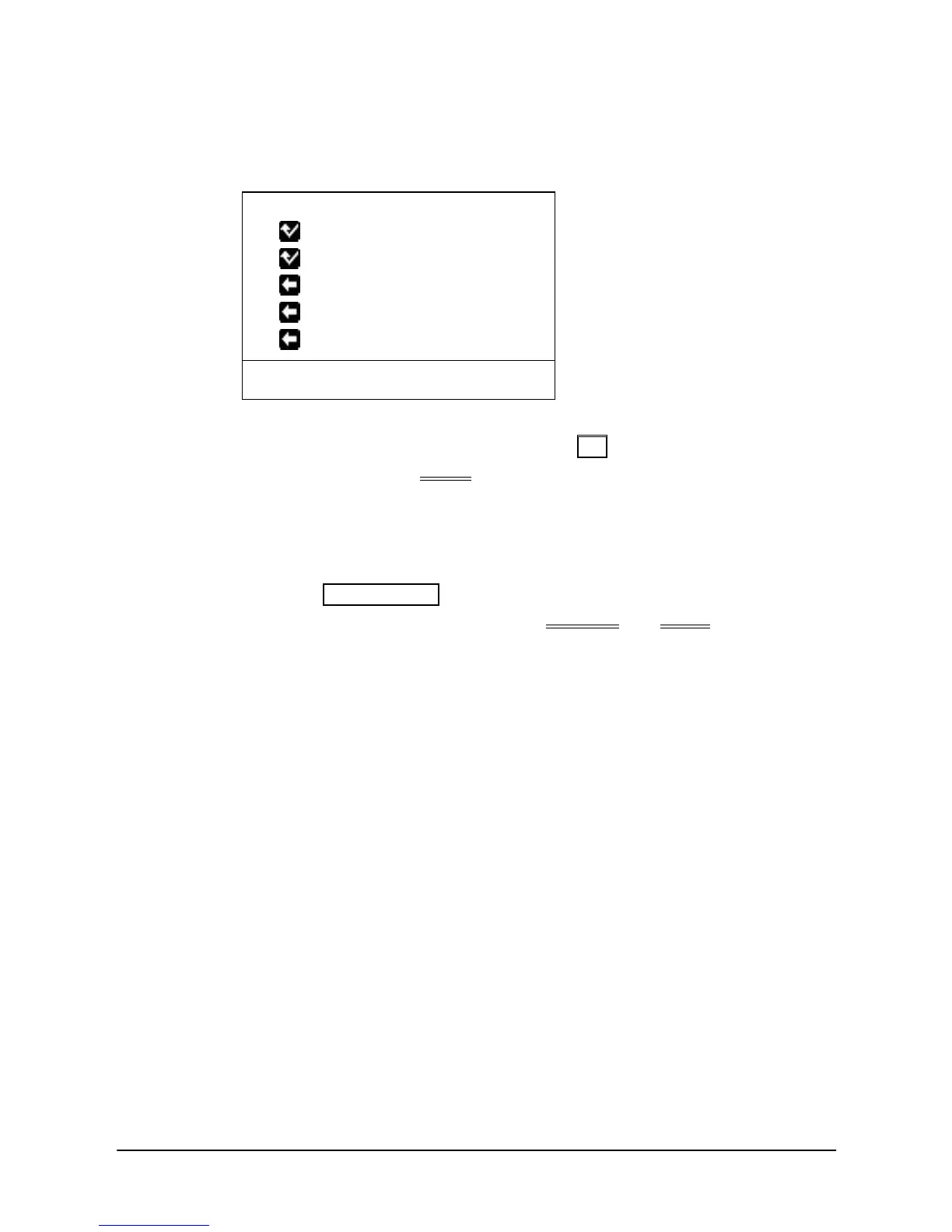
From the Call Log, use the Navigation up/down keys, to view items
(Called, Dialed, or Lost),
1. 1006
2.
1001
3.
LEE K D
4. KIM M J
5.
1003
BACK SEND SELECT▶
Highlight the desired item, and press the OK button to place a call.
(Except for LIP-9010, SEND Soft button also works)
To save an external call to the Station Speed dial:
Use Navigation up/down buttons to highlight the desired external call
item,
Press the HOLD(SAVE) button. (In case of LIP-9020, LIP-9030 and
LIP-9040, user can save by pressing SELECT and SAVE Soft button in
order.)
The CO code in a log item is used to seize the co line when placing an
external call using the call log. Up to 5 CO codes can be saved.
The first CO code is sent from the system in the saved call log. Normally
the first CO code is ‘9’, but if the telephone number is equal to a number in
the Speed Dial list, the first CO code will be the access code of the saved
CO line of the speed dial. Therefore the first CO code of each call log can
be different and is not be editable.
CO Codes 2 - 5 are the user-defined codes. If a code 2 - is selected, the
selected code will be used in placing all of the external calls in the call log.



 To Next Page