6. freeREC2 Using Basic Features
9
Follow these steps to bring Point 2 View into focus.
1. Press the Focus key on Point 2 View or click the Focus button in P2V Software.
2. A red focus frame appears at the center of the display, indicating focusing has begun. A single “beep”
sound is generated.
3. When focusing is complete, the focus frame turns green, accompanied by a dual “beep” sound.
4. The focus frame disappears.
Disabling the “beep” sound (optional)
Windows:
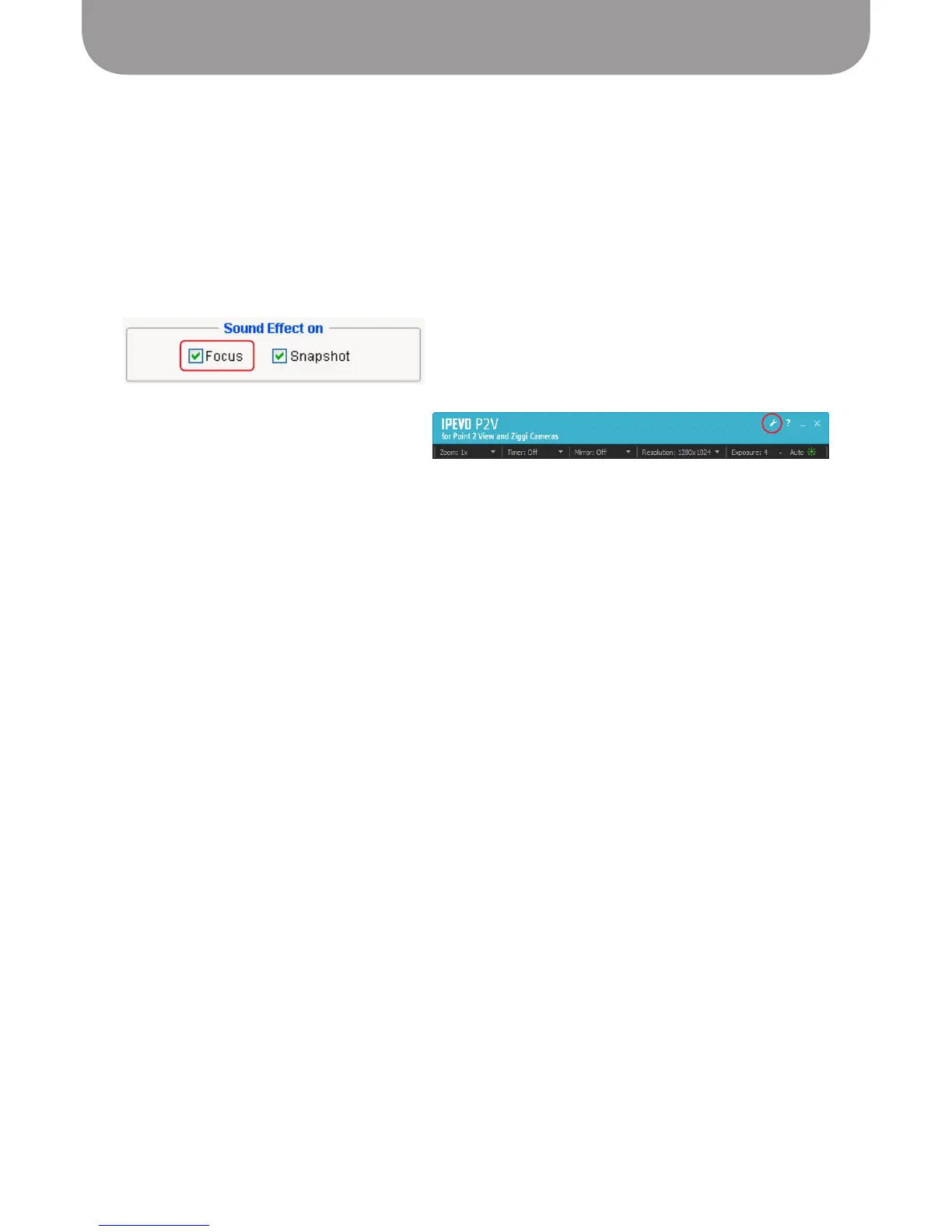
1. Click the Settings icon in the menu bar
2. Click the General tab
3. In the Sound Effect on box, uncheck Focus
Mac:
1. Click
P2V > Preferences...
menu
2. Click the General tab
3. In the Sound Effect on box, uncheck Focus


 To Next Page