8 Useful Tips
26
Function Mode Windows Mac
Take snapshot All Enter Return
Close window Camera/Review Alt + F4 Command+ W
Close application All ---- Command+ Q
Cancel Full Screen mode Full Screen Esc Esc
Zoom in Review + / forward scroll + / forward scroll
Zoom out Review - / backward scroll - / backward scroll
Copy photo Review Ctrl + C Command + C
Delete photo Review Del Del / Command + Del
Switch to previous photo Review
Switch to next photo Review
Select all photos Review Ctrl + A Command + A
Closing P2V Software
To close the window:
• (Windows) Click the Close button at the top right corner of the window, or press Alt + F4 shortcut keys.
• (Macintosh) Click the Close button at the top left corner of the window, or press Command + W shortcut
keys.
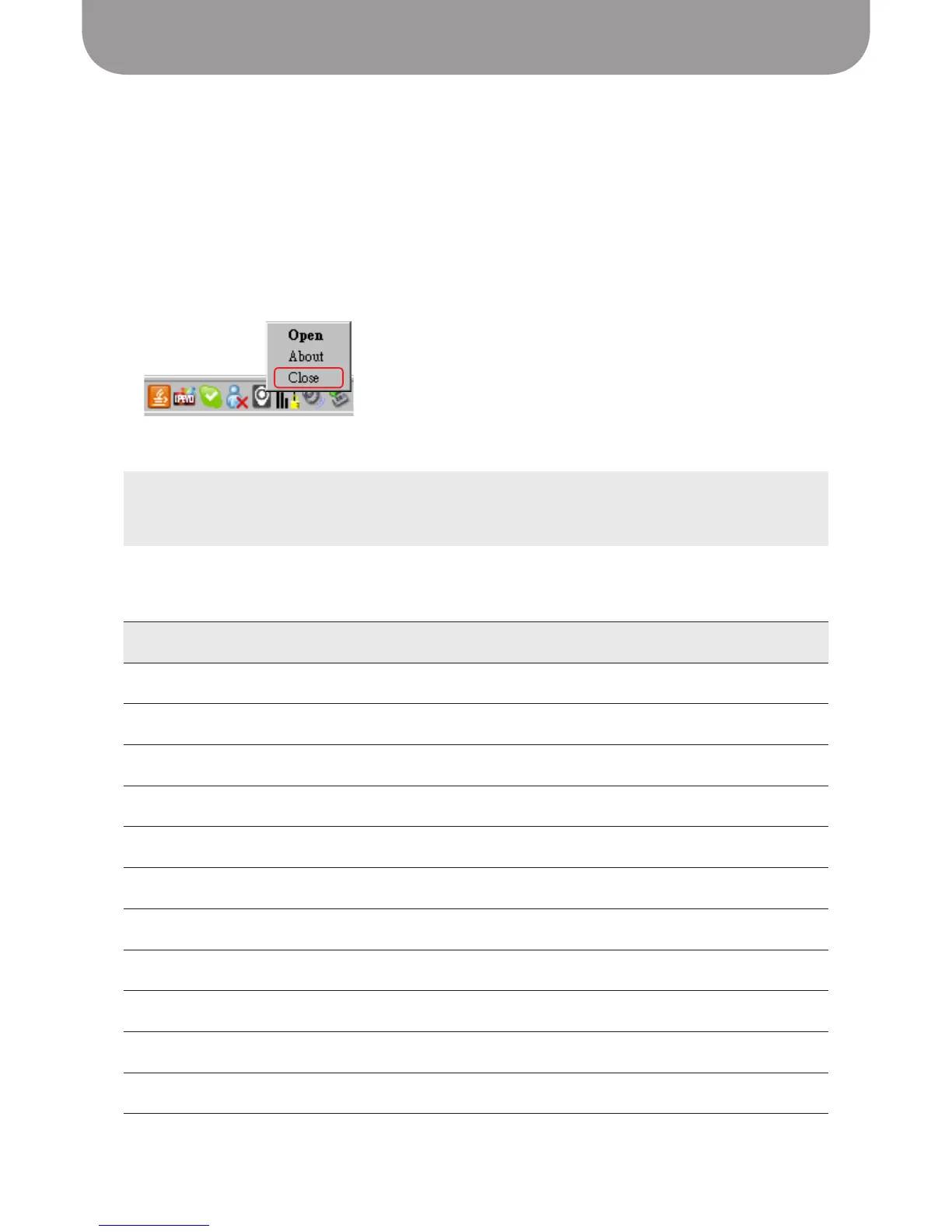
To close the Point 2 View Software:
• (Windows) Right-click the bottom taskbar icon and select Close.
• (Macintosh) Select
P2V > Quit P2V
menu or press Command + Q shortcut keys.
List of shortcut keys
TIP:
Closing the window does not turn the P2V Software off. To quit the application entirely, follow the
instructions for closing the P2V Software.


 To Next Page