4 Working with Photos
18
Opening photo library folder
You have two ways to access your photo library folder:
• Right-click on a photo and select the
Go to Image folder
menu.
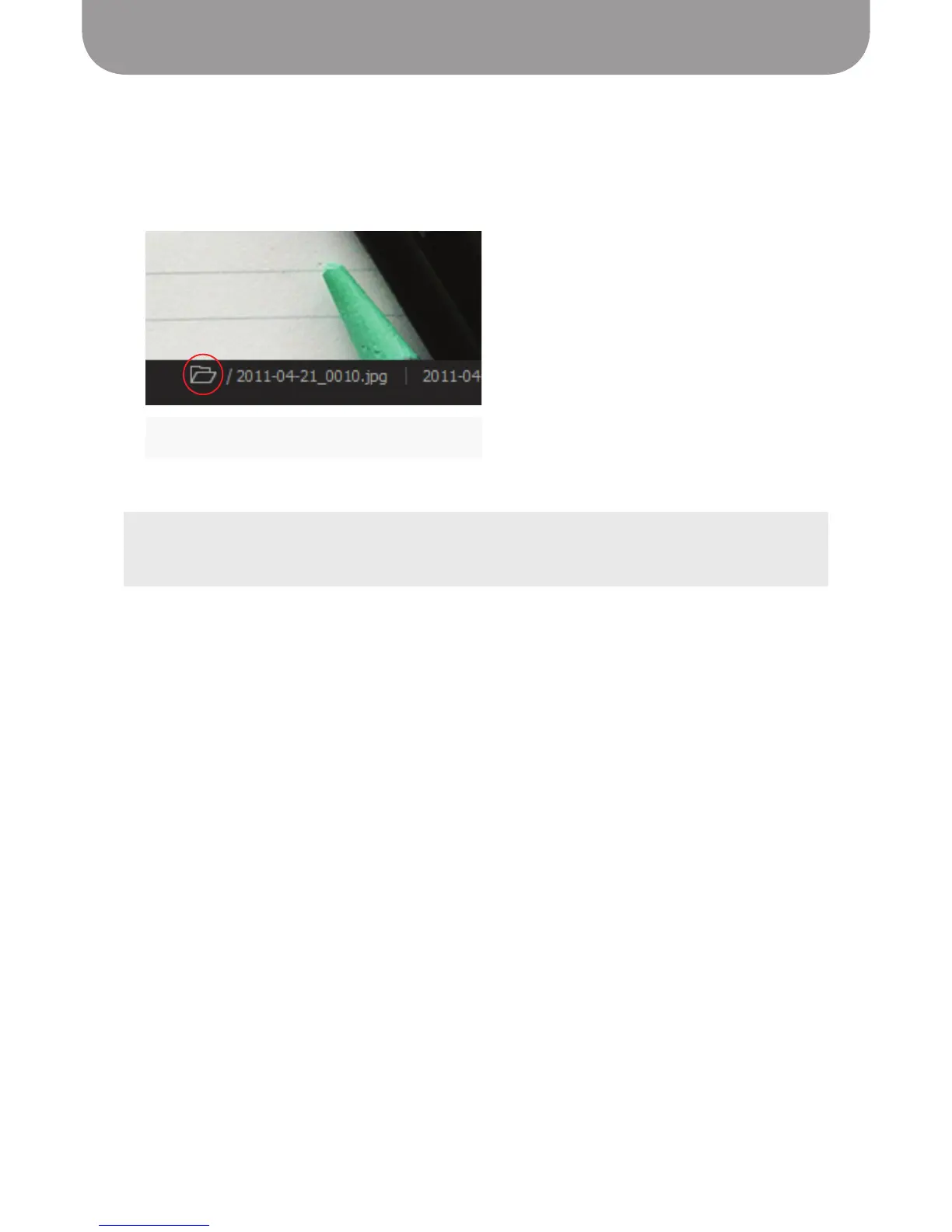
• Click the folder icon below the photo in the main window.
The File Manager activates, showing the photo library folder and its contents.
Folder icon
TIP:
The photos you take in Point 2 View are JPEG files; they can be opened and manipulated in any graphics
editing program.


 To Next Page