3 Working with Video Images
16
Changing window size
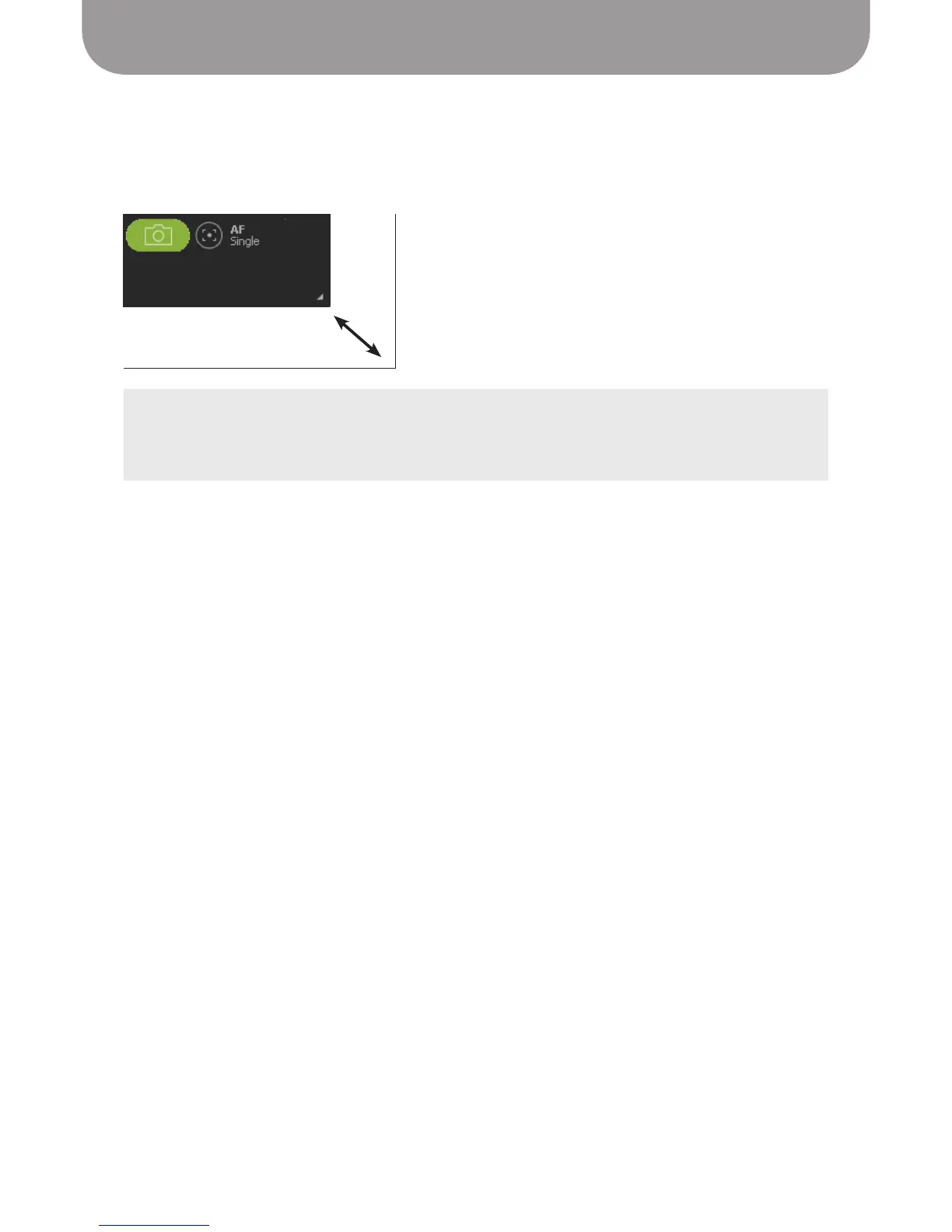
To change the size of the viewing window, grab the bottom right corner of the window and drag it. Zoom
ratio and video resolution do not change when the window size changes.
TIPS:
• If you want the video to fill the entire screen, try Full Screen mode.
• In the Windows version of P2V software, you can also change the window size by dragging the right
or bottom edge of the window.


 To Next Page