2 Using Basic Features
12
Positioning Point 2 View
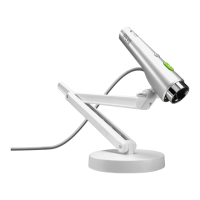
With Point 2 View, your webcam is no longer tethered to your monitor. Point 2 View is shaped like a
pointer, making it easy to use in your hand. And its flexible, stable stand allows you to share views of
objects and documents.
Viewing objects and the macro capability
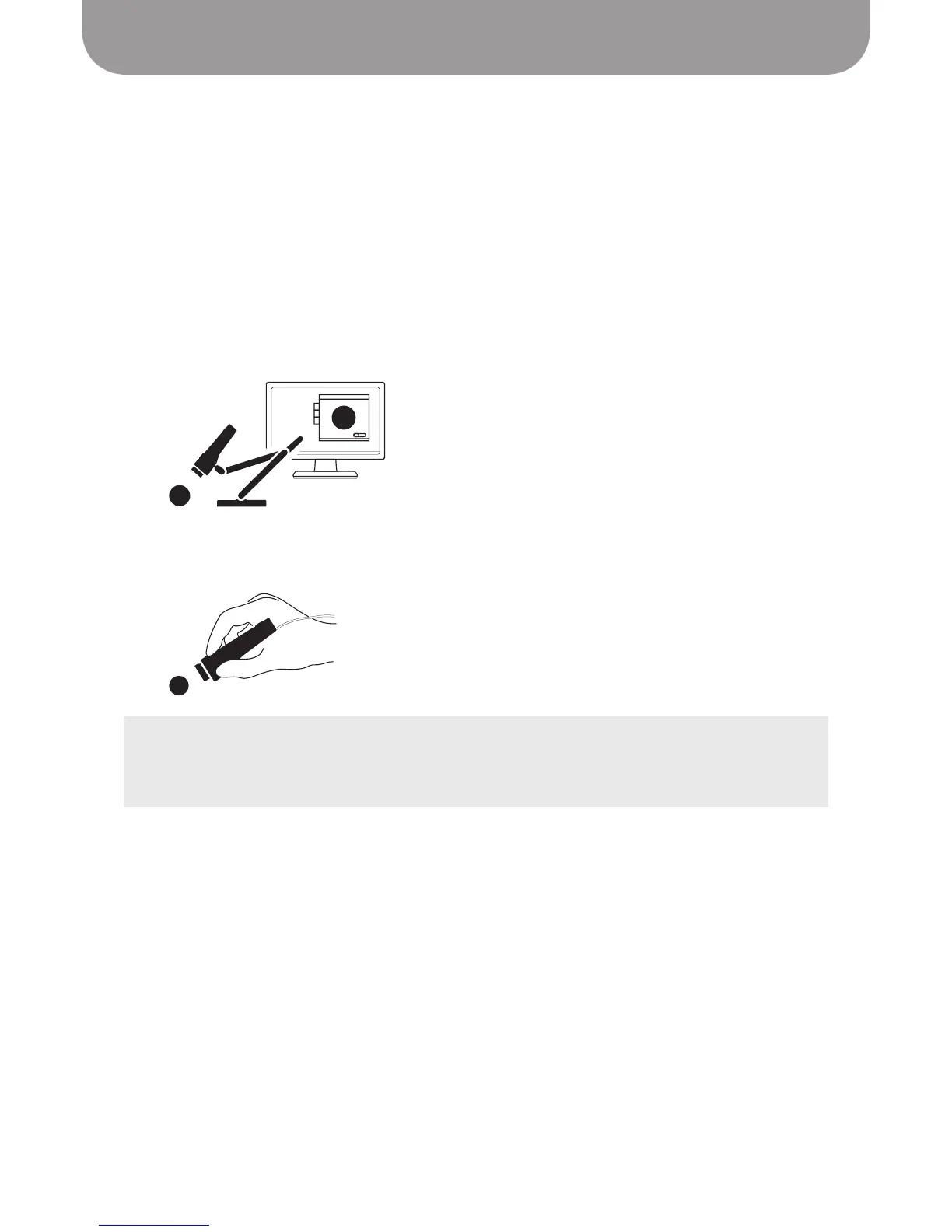
You can move your Point 2 View on its stand to view an object, or arrange the stand and then attach the
Point 2 View. The stand has three joints and a swivel. Once you arrange it however you choose, it remains
stable in that position until you change it.
Point 2 View’s Single Autofocus is recommended for viewing stationary objects.
Point 2 View also delivers excellent macro performance in both Single and Continuous Autofocus, which
ensures a clear image even in close-up.
TIPS:
• Point 2 View enables you to get within about 2 inches (5cm) of an object and still focus clearly.
• When you are in Single Autofocus mode, press the Focus key on Point 2 View or click the Focus button
in P2V Software to bring Point 2 View into focus.


 To Next Page