46
The test mode is installed to be able to locate technical problems and is especially directed to specialized
technicians.
To get into the " test mode ":
- Turn the key switch at the front to " PROG ".
- Press " E 2 1 7 " (press quickly one after the other).
" tESt " will appear on the display.
Put in a number from " 1 " to " 7 " to select one of the following test functions:
Test 1: Control of the 8 entry contacts
With this function you can see if the entry contacts are open or closed.
Entry 1: Thermo-magnetic motor protection
Entry 2: key switch in display
Entry 3: door lock S2
Entry 4: door lock S1
Entry 5: tilt switch
Entry 6: rotation sensor
Entry 7: coin meter 2
Entry 8: coin meter 3
Example:
" t1.inP 1.o " = Entry 1 (thermo-magnetic motor protection) open
" t1.inP 1.c " = Entry 1 (thermo-magnetic motor protection) closed.
To control the next entry, press " E ".
To control the previous entry, press " NO ".
To stop this test, press the " STOP " button.
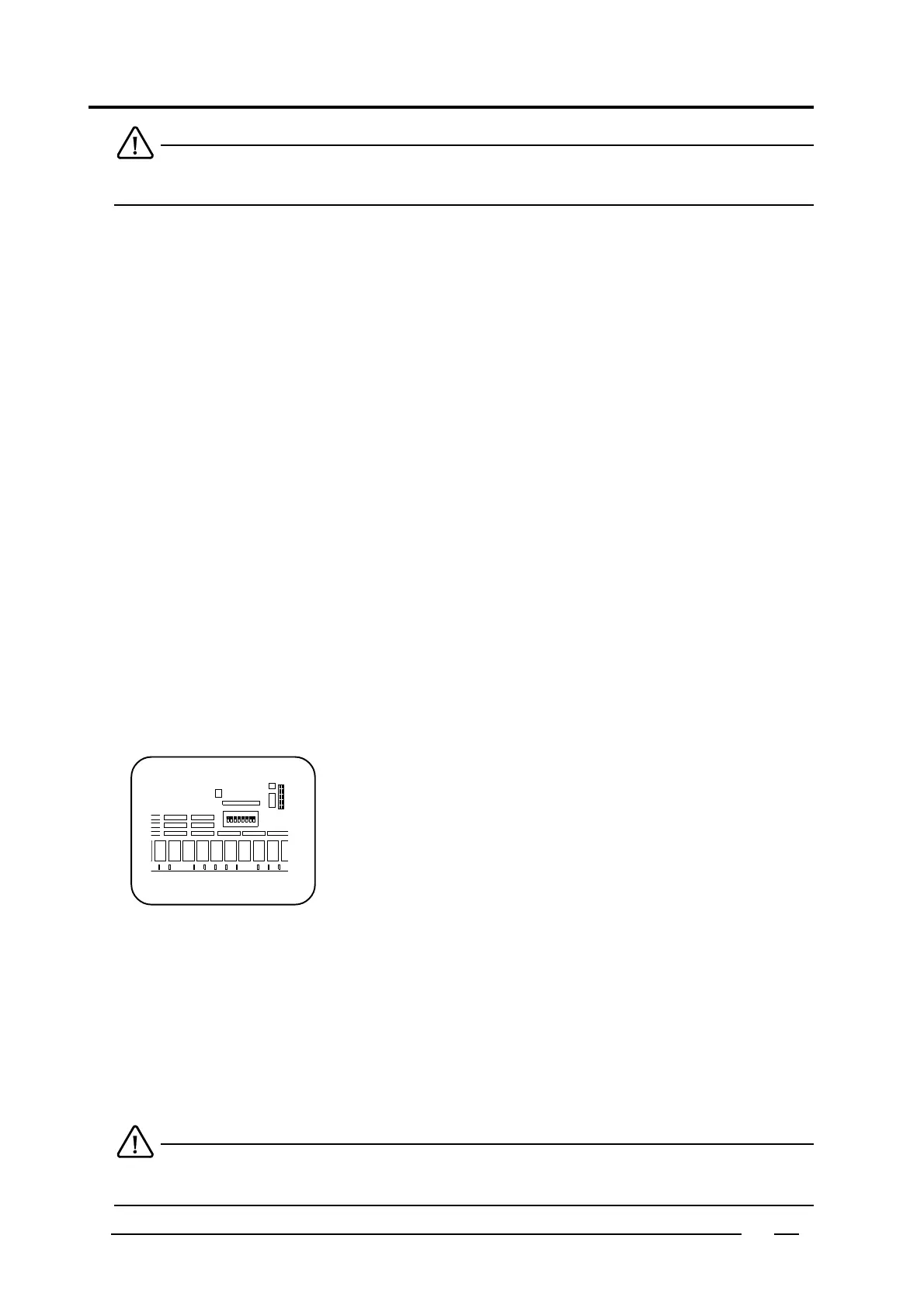
Test 2: Control of the DIP switches on the main print board.
In this test it is possible to verify whether the switches are open or closed.
In case of a machine type HF, WE245/304, or WE "high spin", these DIP
switches are used to determine how long the spin motor is activated during
acceleration to the distribution speed.
DIP switch 8: 1 second
HF 65 380V, HF 76 380V, HF 95 380V, WE 245/304, WE "high spin", all the machines with frequency
controlled motor.
DIP switch 7: 2 seconds
HF 110, HF 132, HF 165, HF 145, HF 176, HF 205, HF 234.
DIP switch 6: 3 seconds
HF 65 220V, HF 76 220V, HF 95 220V, HF 245, HF 304
Example:
" t2.diP 8.o " = DIP switch 8 is open.
" t2.diP 8.c " = DIP switch 8 is closed.
When a DIP switch is activated, " HF " will automatically be selected in the "preprogram".
To stop this test, press the " STOP " button.
Test mode 7



 To Next Page