18
Digital Intra-oral X-Ray Imaging System Pluto0001X /Pluto0002X User's Manual
3. Information on Operation
3.1 Installation and operation
This chapter mainly introduces the use of DEMO software
iDetector(service engineer) to connect the sensor and realize the
basic image acquisition and image processing functions.
The detector is connected to the computer via USB, and the
image data is transmitted via USB protocol.
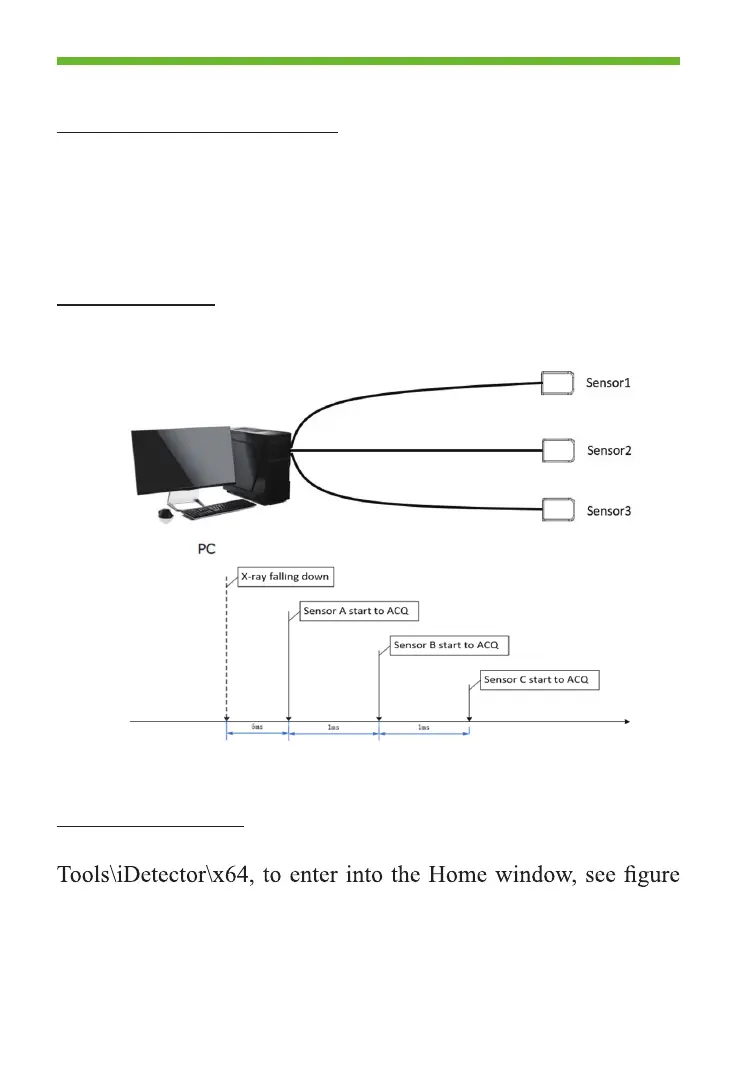
3.2 Multi-sensor
Multi sensors can be supported by USB ports on PC, or using
self-power USB Hub. It up to 9 sensors.
Also, the snesor can be supported to connect by USB-Hub,
which can be powered by computer or external power.
3.3 Connect Sensor
Double-click to run the “iDetector.exe” in the SDK directory..\
3.3.1.



 To Next Page