24
Digital Intra-oral X-Ray Imaging System Pluto0001X /Pluto0002X User's Manual
interface:
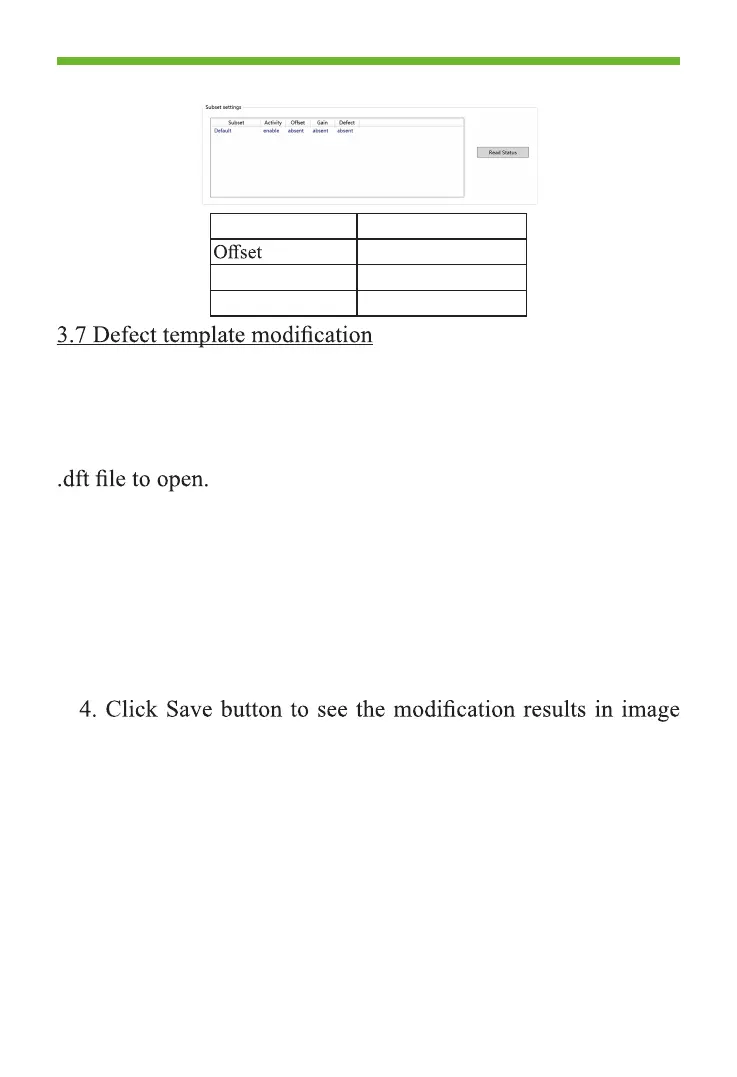
Template type Period of validity
Updated each shot
Gain 1year
Defect 1year
The factory default Defect template is also in CD for the user.
User can modify the Defect template to add new of previously
undetected faulty line and dead pixels.
1. Enter the Local File page, click Load File button and select
2. After opening file, dead pixels and faulty line setting
window will pop up as shown in Figure 3.7.1 below. Type in the
coordinate in point area, click Add button to add dead pixels and
click Delete button to delete dead pixels;
3. Type in coordinate values of vertical or horizontal line in
Line area, click Add button to add faulty line and click Delete
button to delete faulty wire;
preview.



 To Next Page