4.1
Iridium Openport Terminal I 4 Installation
4 I Installation
Before starting the installation check that you have all of the parts
and they have not been damaged in shipment. The basic tools that
you will need is as follows:
Flat-head and Phillips-head screwdrivers
Electric drill
Wire cutters (optional)
Open-end and Socket wrenches
Hammer and center punch
Adhesive tape, scriber or pencil
Wire strippers and terminal lug crimper
Connector installation tools
Laptop computer
•
•
•
•
•
•
•
•
•
Parts and Tools
Choosing the ADE
Location
Proper antenna location is critical to ensure the best communication
between the Iridium Subscriber Unit (ISU) and the Iridium Satellite
network. Follow these guidelines:
Obstructions: To ensure the transmission and reception of a
satellite signal the antenna should be clear of obstructions and
blockage.
Radar Interference: Energy from the radar may overload the
antenna. Mount the antenna above the radar and outside the
beam path of the radar. Do not mount the antenna at the same
level as the radar.
Surface Area: The mounting surface should be wide enough to
accommodate the antenna’s base. It should be at, level (within
±1°), strong enough to support the antenna’s weight 11 kg (24.25
lbs), and rigid enough to withstand heavy vibration.
Location: To reduce the RF radiation exposure it should be
located above areas accessible to passengers. (see Safety:
Radiation Hazard).
•
•
•
•
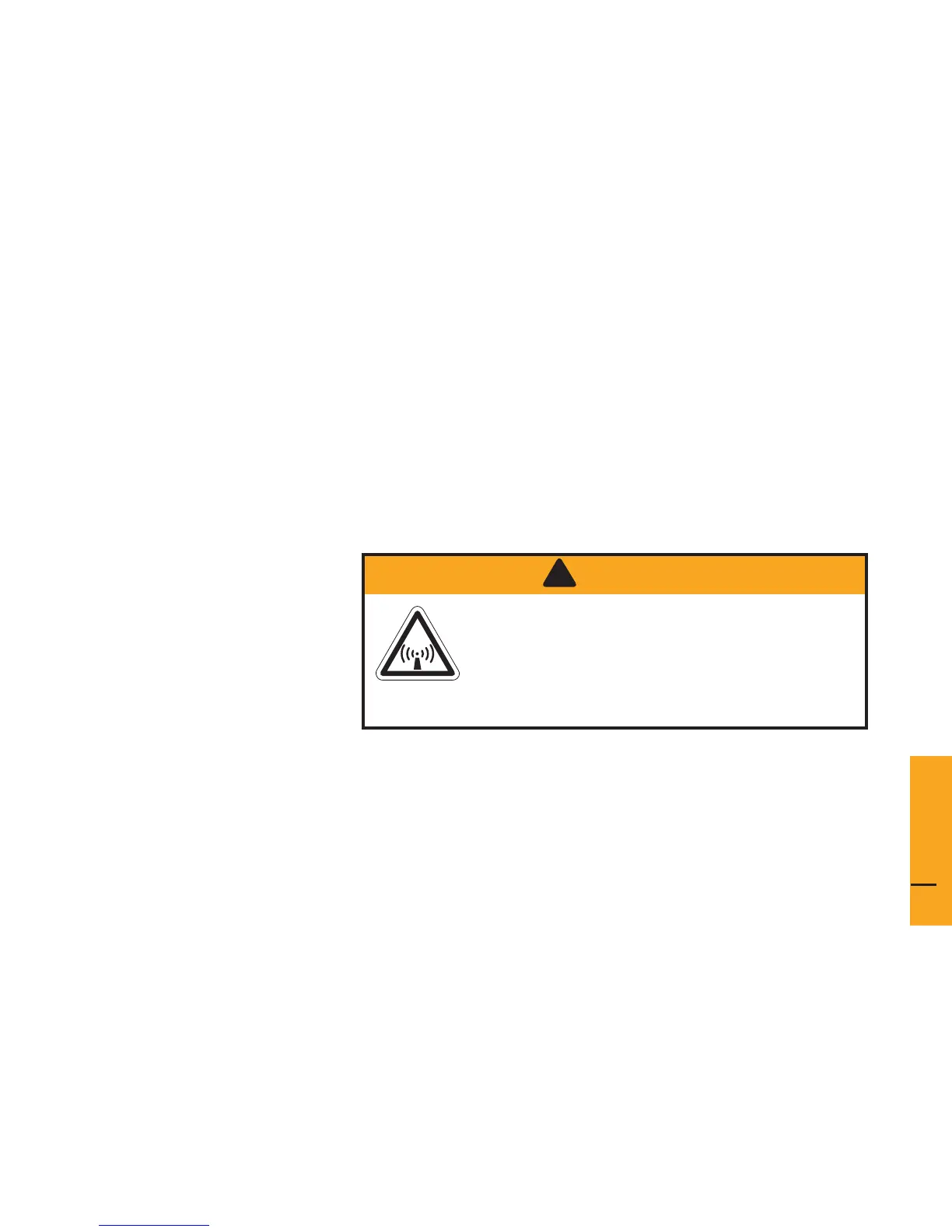
CAUTION!
!
The Above Decks Equipment (ADE) transmits
radio frequency (RF) that is potentially harmful.
When the system power is ON keep all
personnel a minimum of 1.0 m (. ft.) from the
antenna (see Radiation Hazard).
4
Installation


 To Next Page