EasyManua.ls Logo

Iridium 9801 - User Manual

Iridium 9801
51 pages
Print Icon
To Next Page IconTo Next Page
Loading...
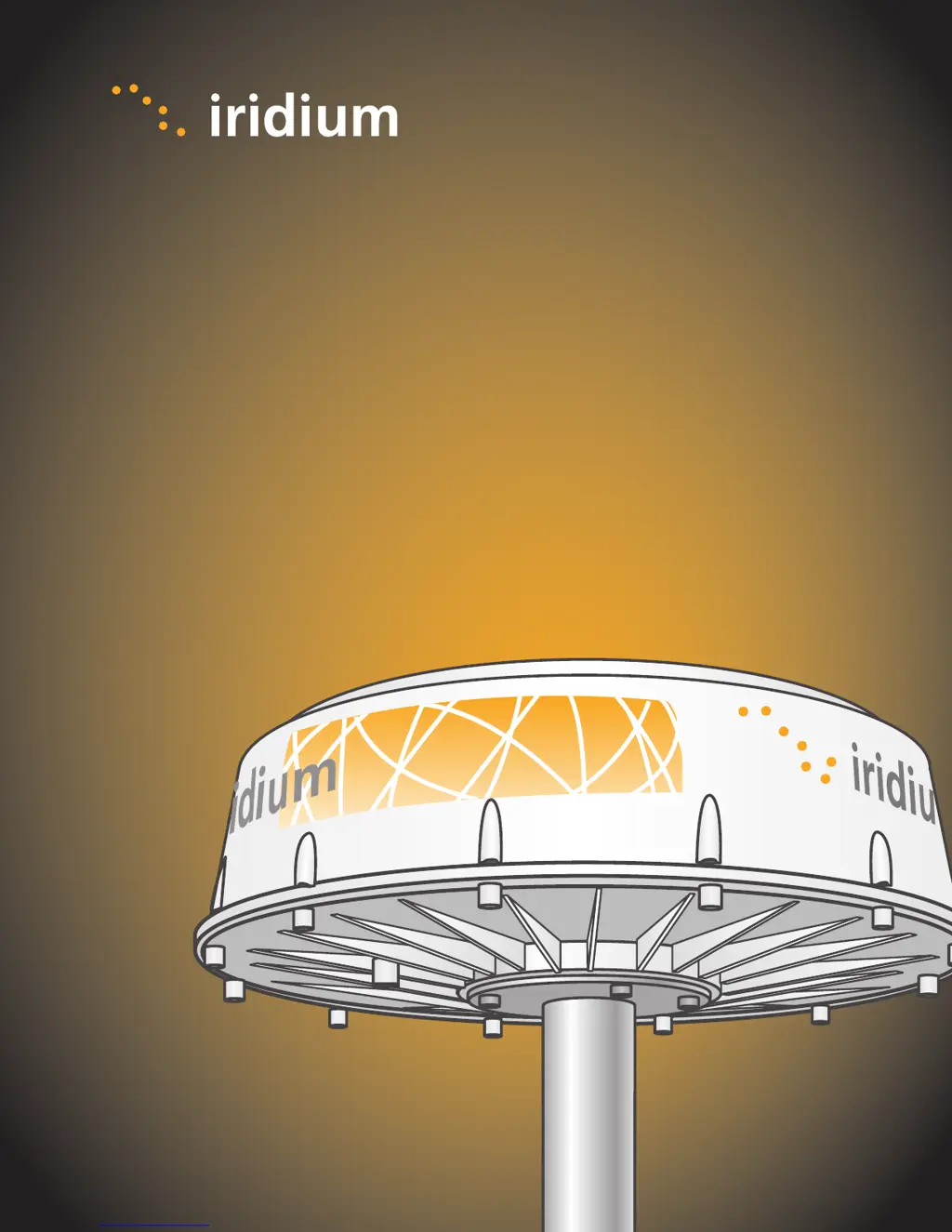
Iridium Openport Terminal
Installation Manual
9801
I
Above Decks Equipment
9701
I
Below Decks Equipment

Questions and Answers

Summary

2 Safety

Safety Warnings and Precautions

Highlights critical safety warnings and cautions for system operation and installation.

Radiation Hazard Information

Specifies minimum safe distances from the ADE due to RF transmission.

4 Installation

ADE Location Selection Criteria

Provides guidelines for selecting an optimal location for the Above Decks Equipment.

Installing the Above Decks Equipment (ADE)

Step-by-step instructions for physically mounting the ADE unit.

BDE Location Selection Criteria

Provides guidelines for selecting a suitable location for the Below Decks Equipment.

Installing the Below Decks Equipment (BDE)

Step-by-step instructions for mounting the BDE unit.

5 Initial System Configuration

Configuring the System via Web Pages

Steps to access and log into the ISU's web interface for configuration.

6 Testing the System

8 Basic Diagnostics

9 Troubleshooting

Troubleshooting with LED Indicators

Mapping LED states to potential fault conditions and their causes.

Troubleshooting Actions for Faults

Recommended steps to resolve common fault conditions indicated by LEDs.

Handling Access Denied Situations

Reasons for network access denial and actions to take when contacting support.

Iridium 9801 Specifications

General IconGeneral
Battery LifeUp to 30 hours
ConnectivityIridium satellite network
Operating Temperature-20°C to +55°C
Storage Temperature-40°C to +85°C
Water ResistanceIP65
GPSYes
SOS ButtonYes
NetworkIridium