5.9
Iridium Openport Terminal I 5 Initial System Conguration
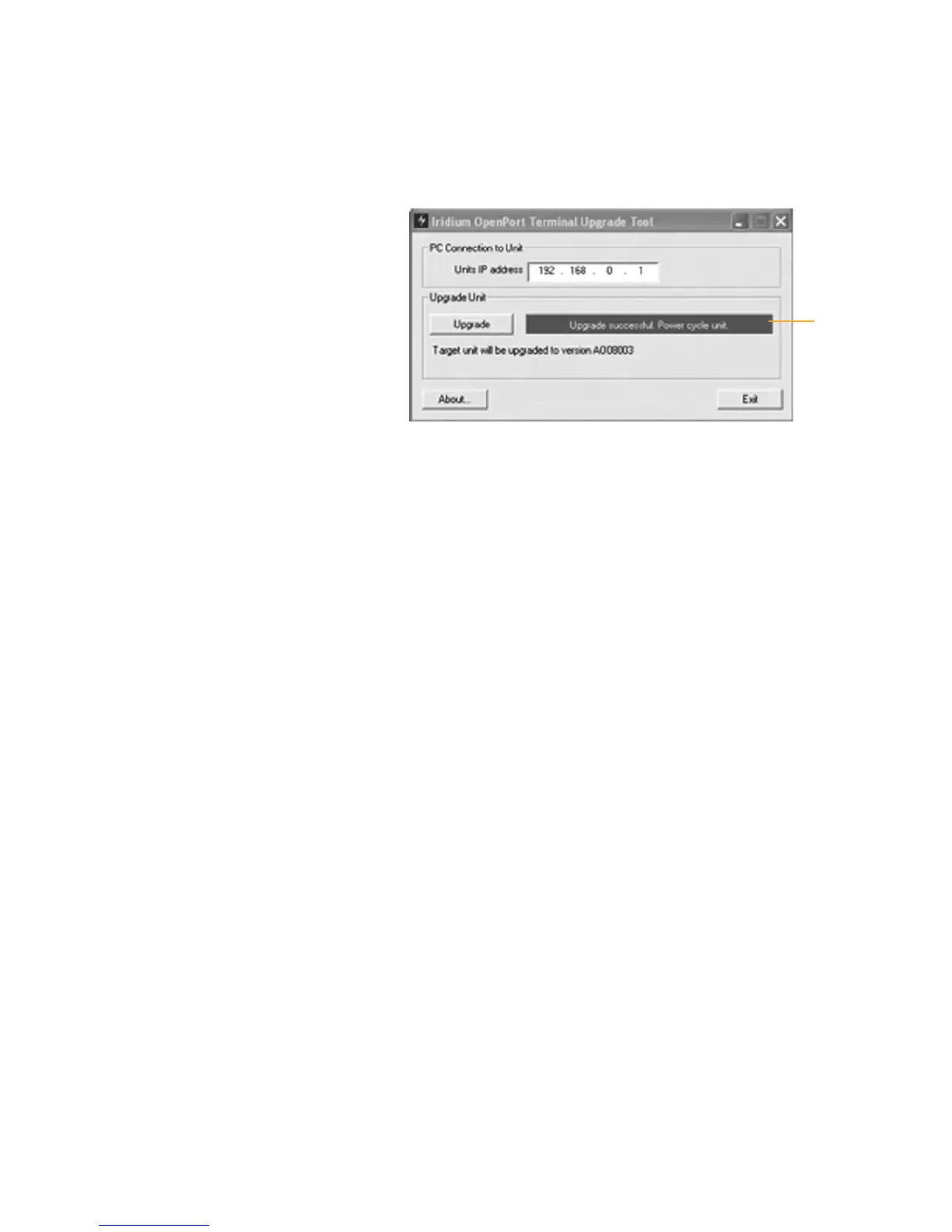
5 Click the “Upgrade” button to start the upgrade process. The progress
bar will move from 0 to 100 as the upgrade takes place. Once the
upgrade process is complete, the message “Upgrade successful. Power
cycle unit” will appear.
6 Turn the unit off for 10 seconds and then turn it on again. You must
leave power on for 1 minute after the power cycle to prevent reversion
to the old software version.
7 To verify that the new software version was installed, connect to the
OpenPort Admin web page (see step 2), and click “diagnostics”. The
software version is displayed on this page.
Progress
bar


 To Next Page