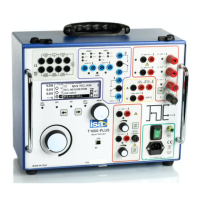
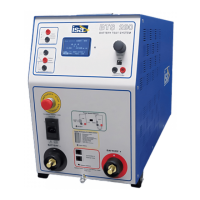
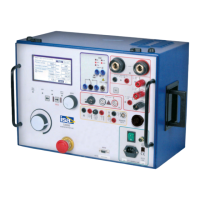
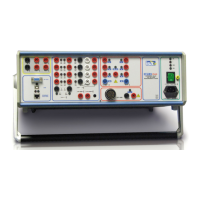
The High IDC module input shall be connected to the T 2000 high
current output; the IDC current output shall be connected to the
test item. For the connection, use the following cables:
A) Output connection, 800 A:
- N. 2 High current connection cables, 100 sq. mm, 1 m long, for
the connection of T 2000 to the current booster.
B) From the High IDC module.
- N. 2 High current connection cables, 100 sq. mm, 2 m long.
Terminated on one side with the high current connector; on the
other side, it is possible to use either the high current clamp, that
eases the connection to the bars, but has a maximum current
rating of 400 A, or the high current vice, that is a bit less easy to
use than the clamp, but that has a reduced contact resistance.
With these cables it is possible to reach 400 A; however, if the
test is performed at lower current, it is possible to increase the
cable length by using the cables 4 m long included in T 2000, or
even putting these cables in series, in order to obtain a total cable
length of 6 m.
C) Input connection:
- N. 2 measurement cables, for the output current.
- N. 1 cable for low voltage measurement connection, shielded, 4
m long, for the 10 V measurement.
The clamp or the vice shall be well tightened on a clean surface,
so that contact resistance is negligible. Besides, the voltage
measurement points must be connected to the bar, and not
to the test clamp, else the measurement would include the clamp
and its contact resistance.
Press test start button (56), and adjust the test current to the
desired value by the adjustment knob (6). The screen shows:
. The test current;
. The voltage drop;
. The resistance.
With a proper connection, the resistance does not change very
much as a function of the test current.
If the current measurement of the High IDC module is not
connected to the T 2000 low current input, the software inhibits



 To Next Page