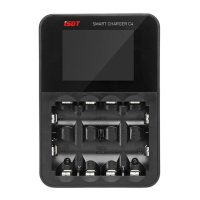
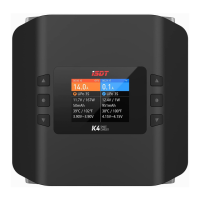
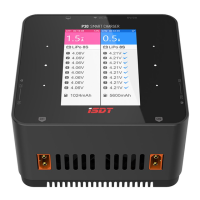
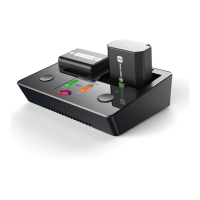
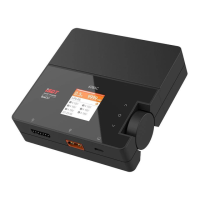
At this time, short press the middle button to change display information as shown below:
* The taskbar shows the status of each task visually, You can switch between the detailed
task pages by using the up and down arrow buttons.
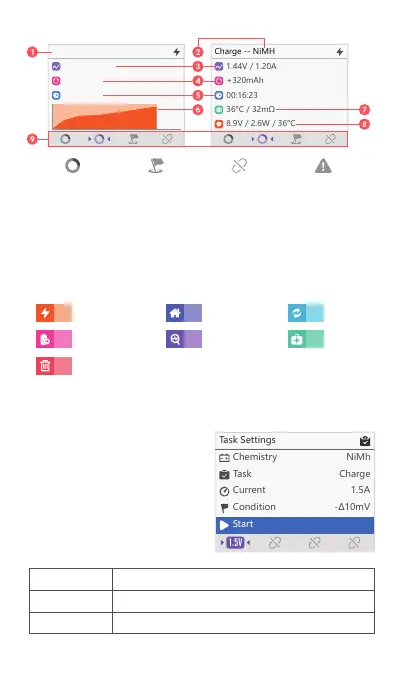
Interface
1. Task Status
2. Battery Type
3. Output Voltage and Current
4. Charged/Discharged Capacity
5. Task Operation Time
6. Voltage Curve
7. Resistance and Temperature
8. Charger Status
9. Task Status Preview Bar
Analyse
StorageCharge
Destroy
Discharge
Cycle
Activate
Battery Type
Task
Current Setting
NiMH, NiZn, Lilon, LiFe, LiHv
Charge, Discharge, Storage, Destroy, Cycle, Activate, Analyse
0.1~3.0A (Horizontal), 0.1~1.5A (Vertical)
Charge -- NiMH
1.43V / 1.20A
+129mAh
00:08:45
Task progress Completed Disconnect Warning
* The task will automatically begin ten seconds after manual modication is completed.
Manual Mode
Place a battery into a suitable charging
slot and the charger will start charging
automatically after three beeps.
You can short press the up and down
buttons to remain on the task page and
change each parameter manually.
The options are as follows:


 To Next Page