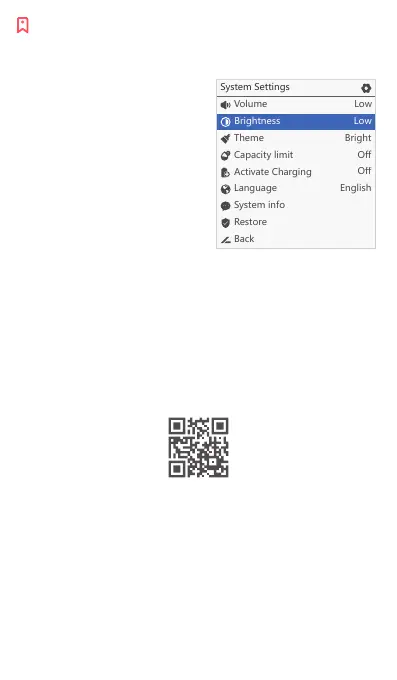
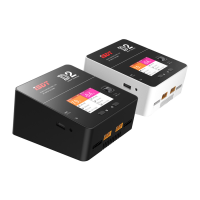
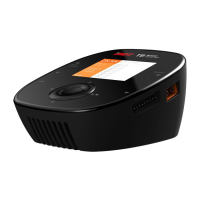
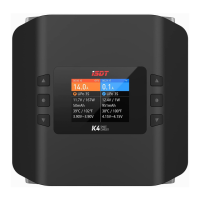
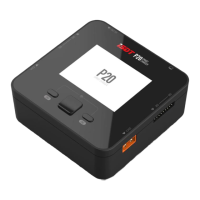
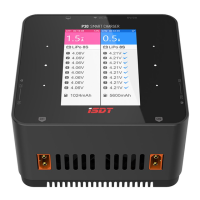
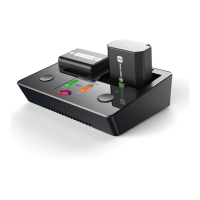
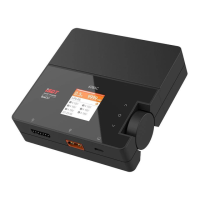
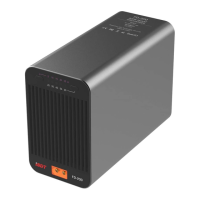
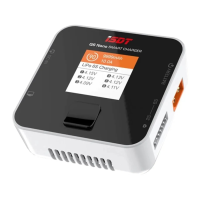
To enter the System Settings screen, remove all batteries from the charger
and then long press the middle button.
System Settings
Volume
There are four options for volume setting:
high, medium, low and o.
When set to "O", the operation prompt
sound will be turned o, but the error
prompt sound will not be turned o.
Theme
Set the background color to bright/dark.
Capacity limit
Set the maximum battery capacity.
Activate Charging
If this option is turned on when the user selects the task type as Charging,
the charger will automatically discharge the battery before charging.
This is to eliminate the memory eect of the battery and restore the
storage capacity of the battery.
All product photos, statements and literature are for reference only. For up-to-date information,
please visit our ocial web www.isdt.co. SHENZHEN ISD TECHNOLOGY CO. LTD reserves
the right of nal explanation and revision for the terms.
*
Scan the code for more information
SHENZHEN ISD TECHNOLOGY CO.,LTD
Add: 5th Floor, Yutian Building, No. 18 Yangtian Road,
Xin’an Street, Baoan District, Shenzhen, Guangdong.
Website: www.isdt.co
Made in China


 To Previous Page