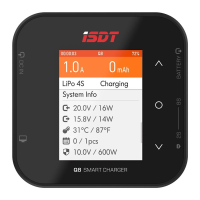
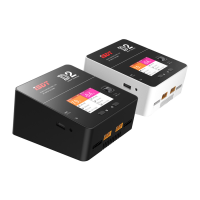
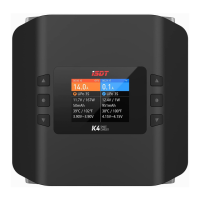
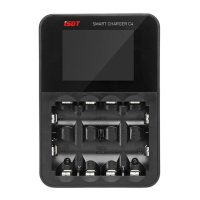
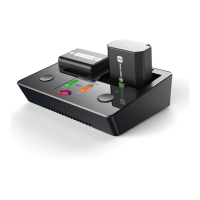
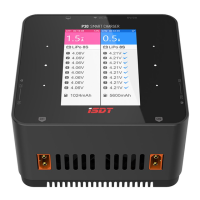
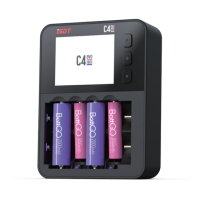
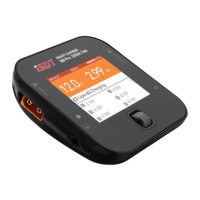
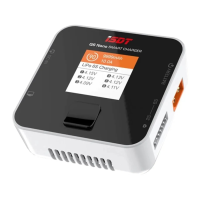
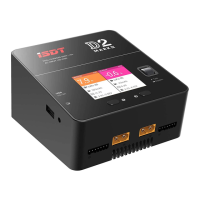
Connect the charger to the power supply, short press the power button to start the machine, connect the battery,
long press the middle button on the corresponding channel side to enter the task setting menu.
In the task setting interface, tasks can be preset. Up to 8 preset tasks can be set.
In addition to preset tasks, custom task Settings can also be carried out. The setting menu is as follows:
Operating the Charger
Task
Battery
Current
Battery and cell count
Charge, Discharge, Storage
LiFe, LiPo, LiHv, ULiHv
1.0~20.0A
LiFe, LiPo, LiHv, ULiHv (2~16S)
Charge
Balancing port is strongly recommended when charging lipo battery, which can make sure to monitor voltage
on each cell battery and balance it when charging.
Warning beeper will yell before start charging lipo if in non-balance mode (no connecting with balance port).
On the standby interface, long press the left and right middle keys at the same time to enter the system setting menu.
The menu items are as follows:
System Setting Menu
Volume
There are 4 options of High Mid Low and O for volume setting.When the setting is OFF,
it will turn o the operation sound,but not the warning error beep.
Self-test
When all batteries on CH1 and CH2 port are not connected, please select this option to self-test task manually.
Calibration
the input voltage, output voltage and balance voltage of the charger can be calibrated with this task.
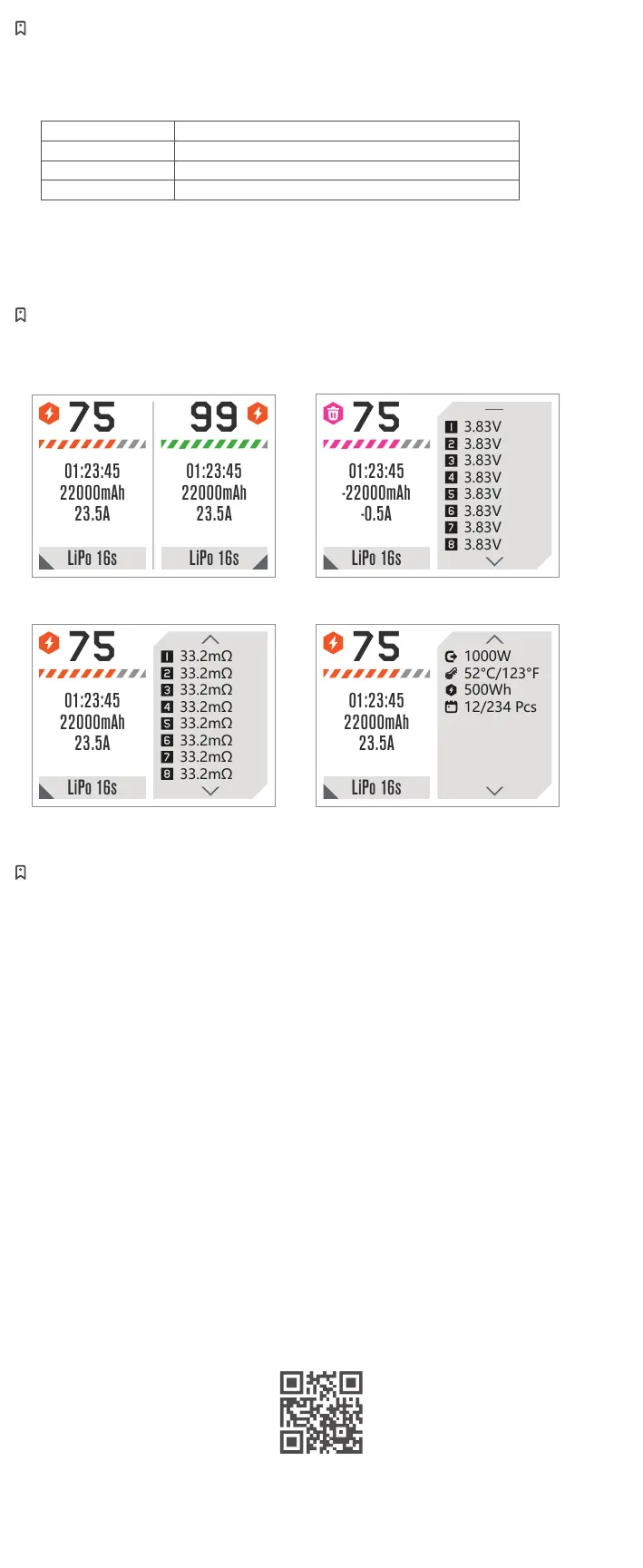
Press the up and down button to switch the detailed information display content,
as cell voltage, cell internal resistance, working parameter.
The cell voltage and internal resistance only on display in balancing charging mode.
Charging Screen
* All product photos, statements and literature are for reference only. For up-to-date information,
please visit our ocial web www.isdt.co. SHENZHEN ISD TECHNOLOGY CO. LTD reserves
the right of nal explanation and revision for the terms.
Scan the code for more information
Cell voltage
Main interface (Working)
Cell internal resistance Working parameter


 To Previous Page
 Loading...