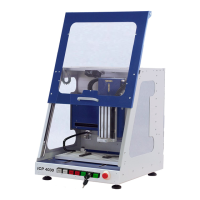
ICP 3020 / ICP 4030 iMC-P Operating instruction
page 21
6.4 Connectors of the stepper motor control
6.4.1 Access to stepper motor control and their components
To get to the connectors of the stepper motor control, you do the following:
Unplug the main power supply plug!
Remove the cover plate of the machine by
unscrewing the hex bolts and disconnect the
grounding cable from the cover plate.
Now you can connect to the terminals of the
step motor control additional components (e.g
frequency, solenoid valves, sensors,
actuators, etc.).
Open the housing of the stepper motor
Generally it is not necessary to open the case of the stepper motor control.
Opening the housing cover may only be performed by authorized and
trained personnel.
After you have removed the cover plate of the machine, remove the housing of the stepper
motor control. Loosen the Phillips screws on the top of the housing cover and remove it.
Now you get to components such as stepper motor power amplifiers, Sc-module, switching
power supplies, etc.


 To Next Page