DMP253en | 1st Issue rev. 0 | 04/2022
•
•
•
•
•
•
7 Occupancy Control
This feature allows a user to control occupancy through the following parameters or in
the iSMA Configurator:
OCCUPANCY_MODE: allows to set an occupancy mode in the panel according to the
table below:
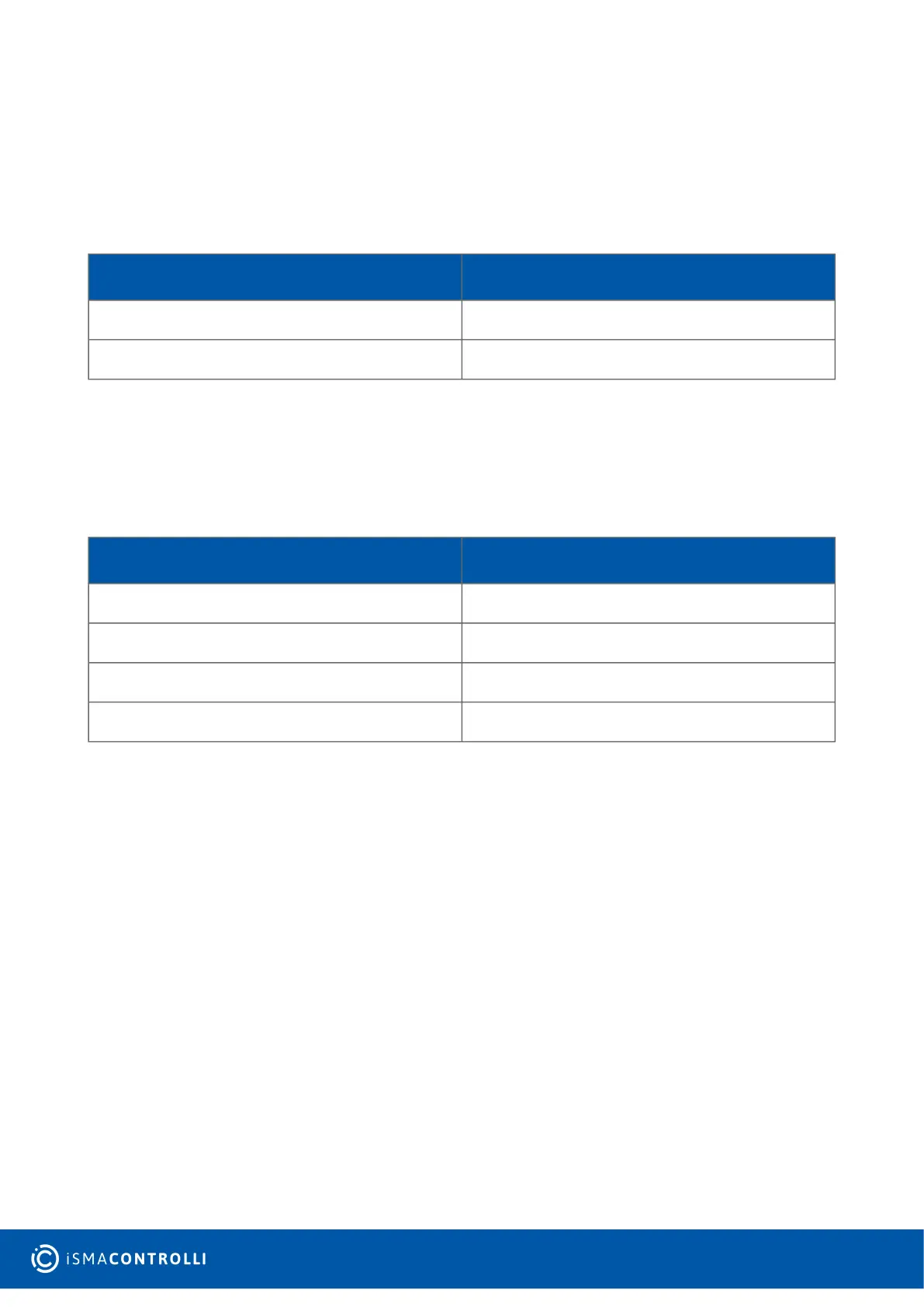
Register Value Occupancy Mode
0 Unoccupied
1 Occupied
Table 17. Occupancy modes
Modbus register: 41702;
BACnet object: MSV4, property: Present Value;
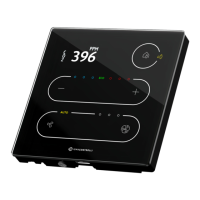
OCCUPANCY_CURRENT_STATUS:allows to set a current occupancy status. The current
occupancy status is displayed on the panel's top right corner icon (illuminated inside the
circle – occupied, outside the circle – unoccupied);
Register Value Occupancy Status
0 Unoccupied
1 Occupied
2 Standby
3 Forced occupied
Table 18. Occupancy statuses
Modbus register: 41701;
BACnet object: MSV3, property: Present Value.
This value can be updated in two ways depending on
theOCCUPIED_CONFIG_LOCAL_MODE parameter:
OCCUPANCY_CONFIGURATION, bit 6: OCCUPIED_CONFIG_LOCAL_MODE:allows to set
the occupancy to the local mode or BMS mode:
Local Mode: the panel's occupancy setting is set to a local mode (the value of the
OCCUPANCY_CURRENT_STATUS register is determined by the value of the
OCCUPANCY_MODE register and so the value of the OCCUPANCY_CURRENT_STATUS
register cannot be overwritten by the higher level system);
BMS Mode: the panel's occupancy setting is set to the BMS mode. The
OCCUPANCY_MODE register works separately from the OCCUPANCY_CURRENT_STATUS
register.
The default value is the BMS mode.
Modbus register: 41707;
BACnet object: BO62, property: Present Value.


 To Next Page