DMP253en | 1st Issue rev. 0 | 04/2022
•
•
•
•
•
•
7.1 User Interface for Occupancy Control
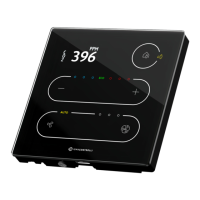
Occupancy control can also be performed using the panel's touchscreen (see Operating
User Interface). It is possible to change the occupancy mode depending on the
configurations:
OCCUPANCY_CONFIGURATION, bit 1: EDITABLE: enables or disables the occupancy to
be edited locally from the panel;;
Modbus register: 41707;
BACnet object: MSV4, property: 4200.
How to Change the Occupancy on the Touchscreen?
Use a house button to toggle between occupied and unoccupied statuses.
A long press is not available for this feature.
7.1.1 LEDs
Value of theOCCUPANCY_CURRENT_STATUS parameter is presented on a house LEDs
ladder as follows:
value 0 (unoccupied): “in house” LED is off, “outside” is on;
value 1 (occupied): “in house” LED is on, “outside” is off;
value 2 (standby): “in house” LED is off, “outside” is blinking;
value 3 (forced occupied): “in house” LED is blinking, “outside” is off.


 To Next Page