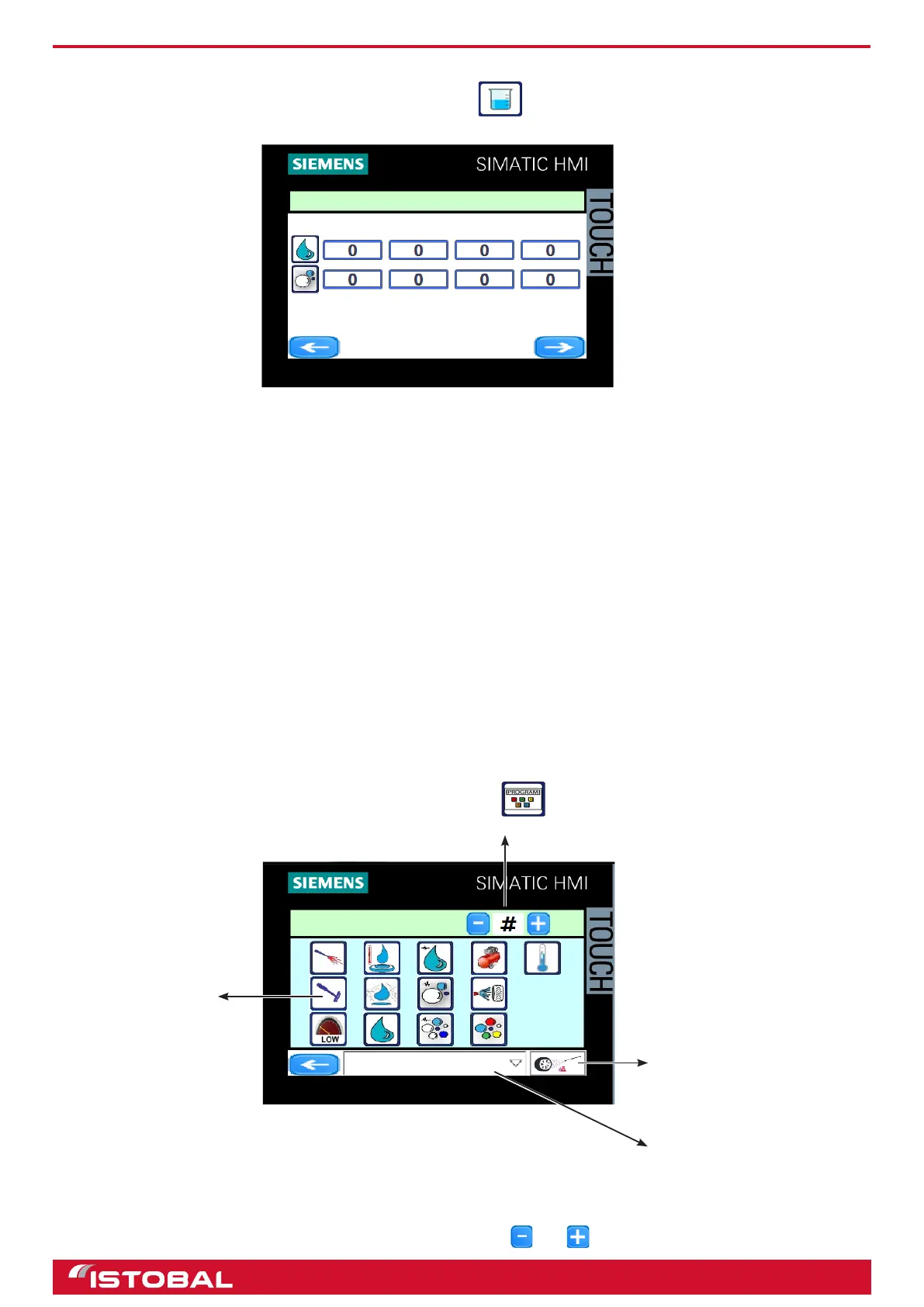
SIEMENS KTP400 touch-screen screen
FLUIDS
Access FLUIDS from the conguration menu by pressing .
To control the situation of the chemical product containers.
The system automatically reads the level of product in the containers in accordance with the data stored:
• Level; indicates the current level in the container in accordance with the reading on the control board and
cannot be edited.
• Dosage; indicates the quantity dispensed in ml/min.
• Threshold; indicates how low the product level is allowed to get before the system sends an e-mail informing
that the container will soon be empty.
• Size; indicates the size of product container.
The product buttons enable their dosing pumps for one minute to allow readings to be taken. The readings are then
indicated in the 'Dosage' eld.
NOTE: For the ‘Product level X low’ error message to disappear from the screen when lling up or replacing the
tank, the LEVEL eld must be updated by pressing on the icon of the produced relled By doing this, the eld will be
updated with the value on the SIZE eld.
PROGRAM CONFIGURATION
Access "Programs" from the conguration menu by pressing .
To congure a program and assign buttons with products and functions, the program must be congured as follows:
• Select the number of the program to congure with the and buttons.
FLUIDS
LEVEL DOSAGE
THRESHOLD SIZE
PROGRAM
HOT SHAMPOO
Program number
Program function
selection buttons
Name assigned to program
Message shown on the display
of the self-service panel when a
program is selected.
Program icons
30


 To Next Page