#17
www.istorage-uk.com
iStorage datAshur
®
BT Personal User Manual – v 1.7
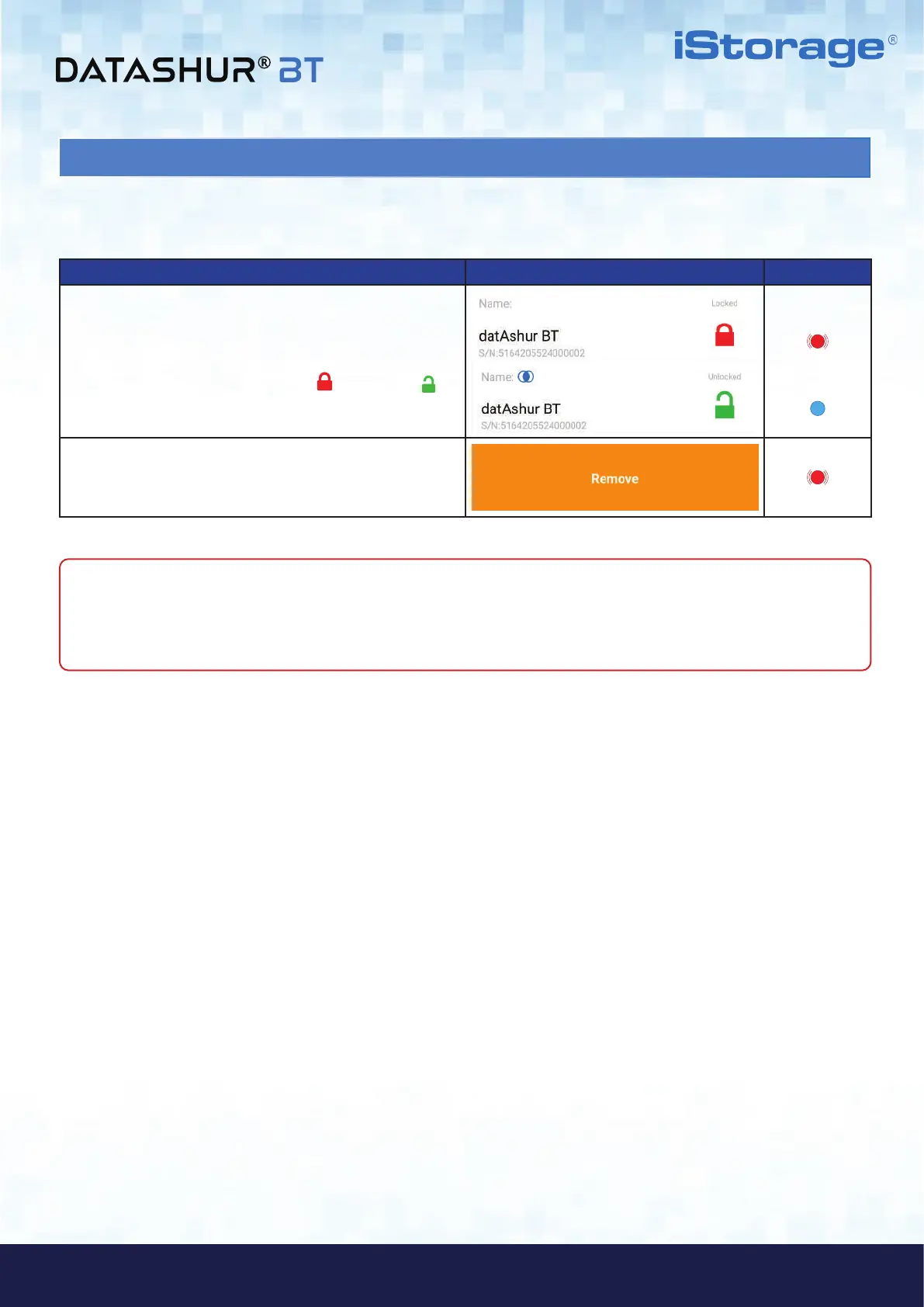
23. How to Remove a Paired Drive from the datAshur BT Personal App
To remove (delete) a paired Drive from the App, proceed with the following steps.
How to Remove a Paired Drive App Drive LED
1. Open your datAshur BT Personal App and swipe the
Drive name ‘datAshur BT’ to the right. This action can
be performed if the Drive is locked
or unlocked ( ).
2. Swipe the Drive name ‘datAshur BT’ to the right and
then tap on Remove and then tap Remove again.
NOTE: You can pair your datAshur BT Drive with the App again by following the instructions as set out in
section 5, ‘First Time Use’ or section 22 ‘How to Add Additional Drives to your Existing datAshur BT Personal App’
if you have an existing Drive paired to your datAshur BT Personal App.















 To Next Page