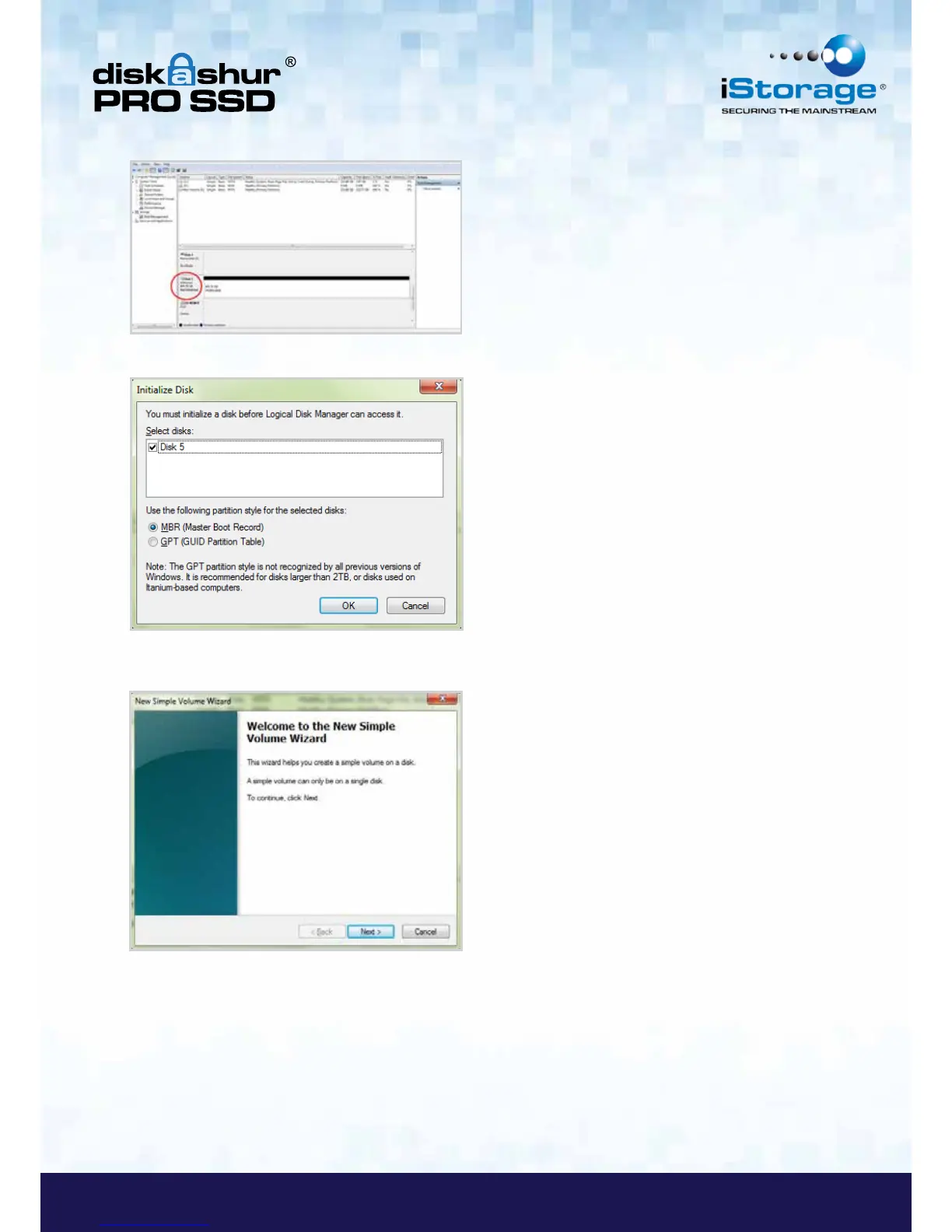
10. Right-click Unknown Disk, and then select Initialize Disk.
11. In the Initialize Disk window, click OK.
12. Right-click in the blank area under the Unallocated section, and then select New Simple Volume. The Welcome to
the New Simple Volume Wizard window opens.
9. Click Next.
10. If you need only one partition, accept the default partition size and click Next.
11. Assign a drive letter or path and click Next.
12. Create a volume label, select Perform a quick format, and then click Next.
13. Click Finish.
14. Wait until the format process is complete. The diskAshur PRO SSD will be recognized and it is available for use.














 To Next Page