Q: My diskAshur PRO SSD locks for no reason when connected to my computer whilst I’m using it, what is
causing this?
A: The issue you are having is being caused by power saving settings on your PC or Laptop so please see below and make
the appropriate changes to your computer and this will stop the diskAshur PRO SSD from locking as when your computer is
power saving it switches off data to the USB ports and our products see that as `Disconnect` and are designed to lock when
this is detected.
Microsoft Windows
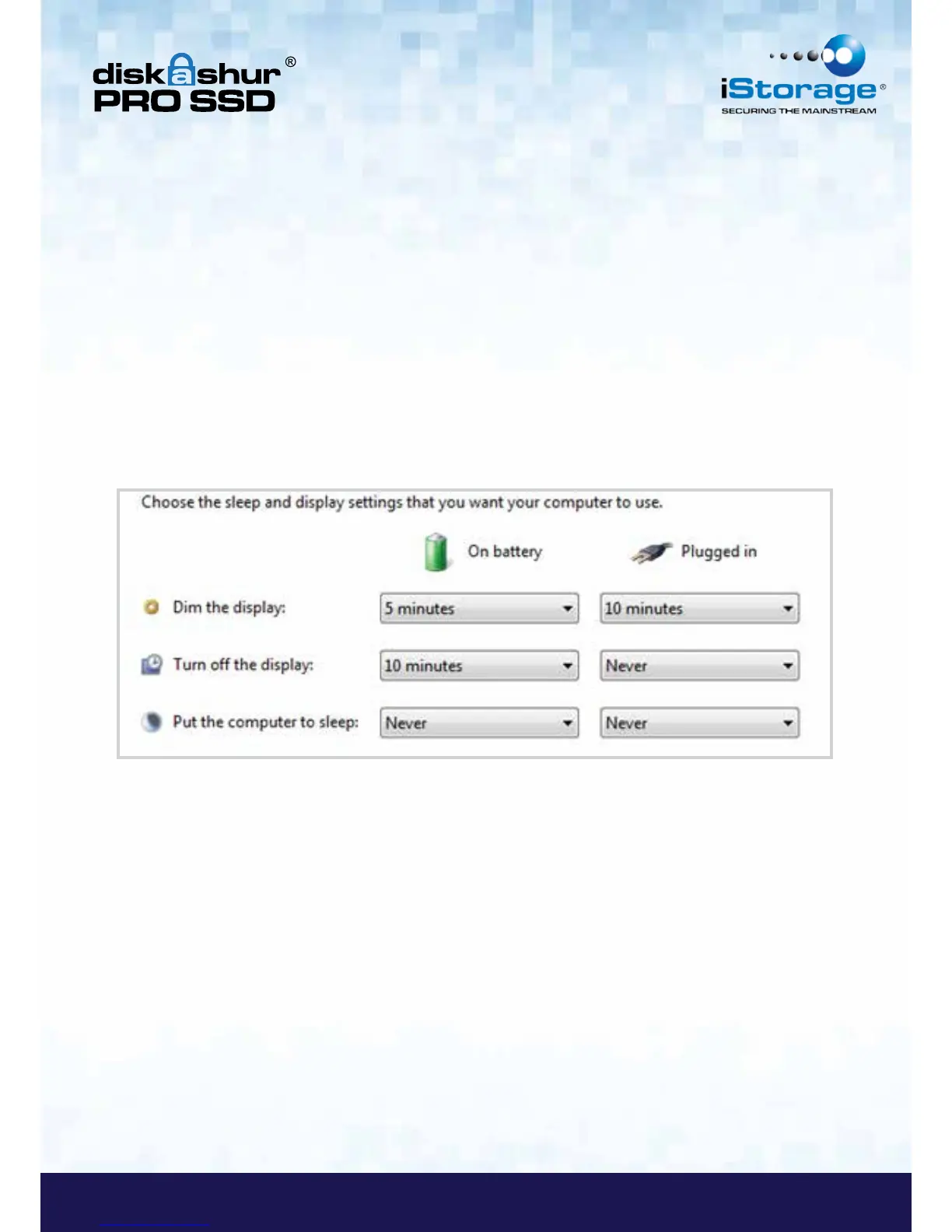
Doing the following will prevent Windows from switching off the diskAshur PRO SSD, go to ‘Control Panel’ & ‘Power
Options’ , the easier option is to disable power saving which means stopping the computer from `Sleeping` see below;
In addition go into `Advanced Settings` in `Power Option` to disable the following:
• Ensure the computer is set to sleep: Never (as above)
• Turn off hard disk after: 999999 Minutes
• USB selective suspend setting: Disabled
This will keep the diskAshur PRO SSD connected to the computer continuously on.














 To Next Page