User Guide
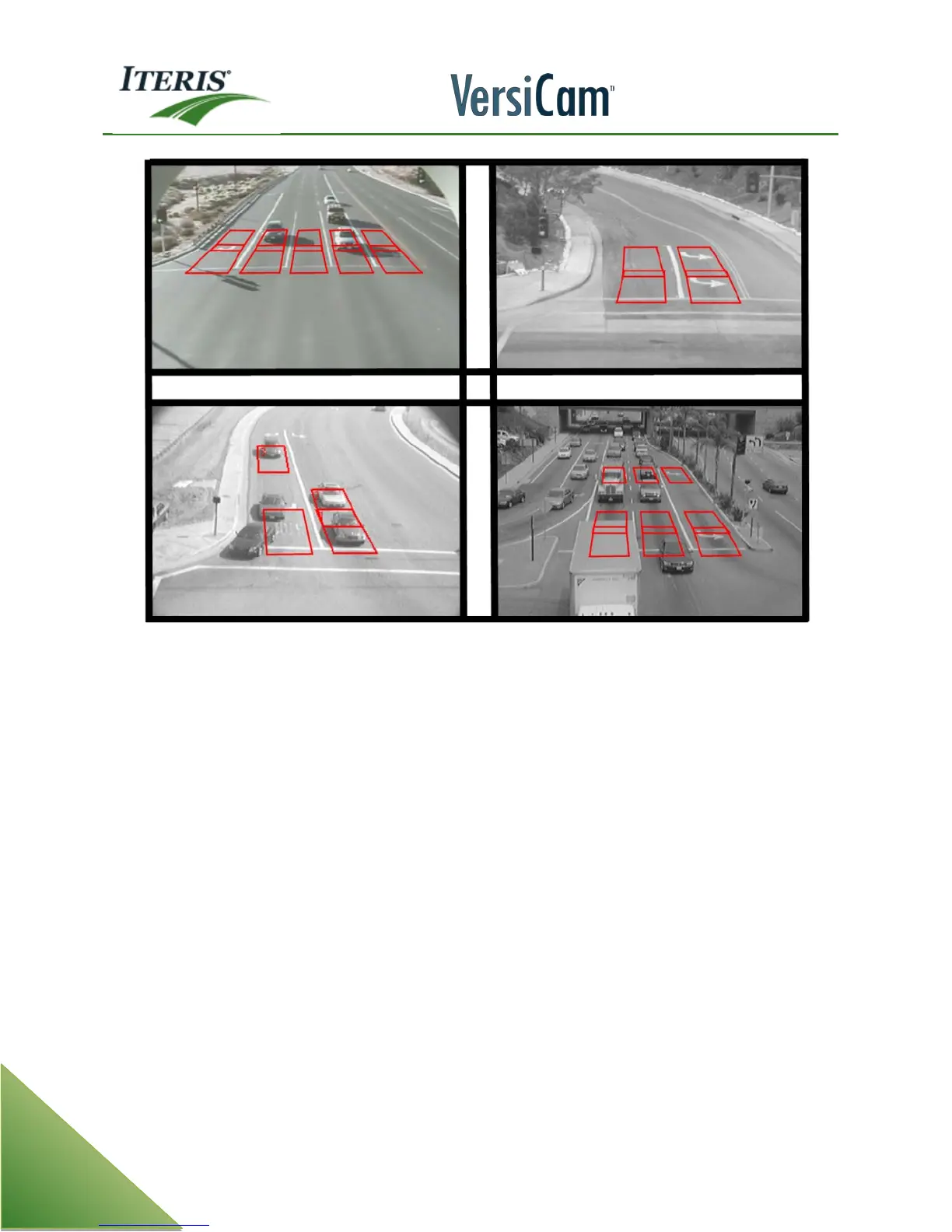
Examples of Good Zones
g. Programming
• Labels: Camera, Configuration, Zones
• Check using Mode (MOD) menu item
o Channel Assignment and Zone Type
• Set Mode (MOD) 'Inact/Ch to "NoCall"
• Set Options if needed
• Set Clock (Clk) Time and Date information
• Make sure the test switches are all in the middle position (normal)
h. Archive snapshots and configurations using VRAS
i. Observe operation
• During critical times
o Morning and evening transition
o Midday and night time
After saving the configuration, the new zones will go into a three minute "learn mode", during which
time they will place constant calls. An "*" will appear next to each zone that is learning. After the three
minutes are up, the "*" will disappear, and zones should start to detect vehicles normally.
j. Document count zones (If used)
k. Turn OFF menu / Turn Off Monitor



 To Next Page