User Guide
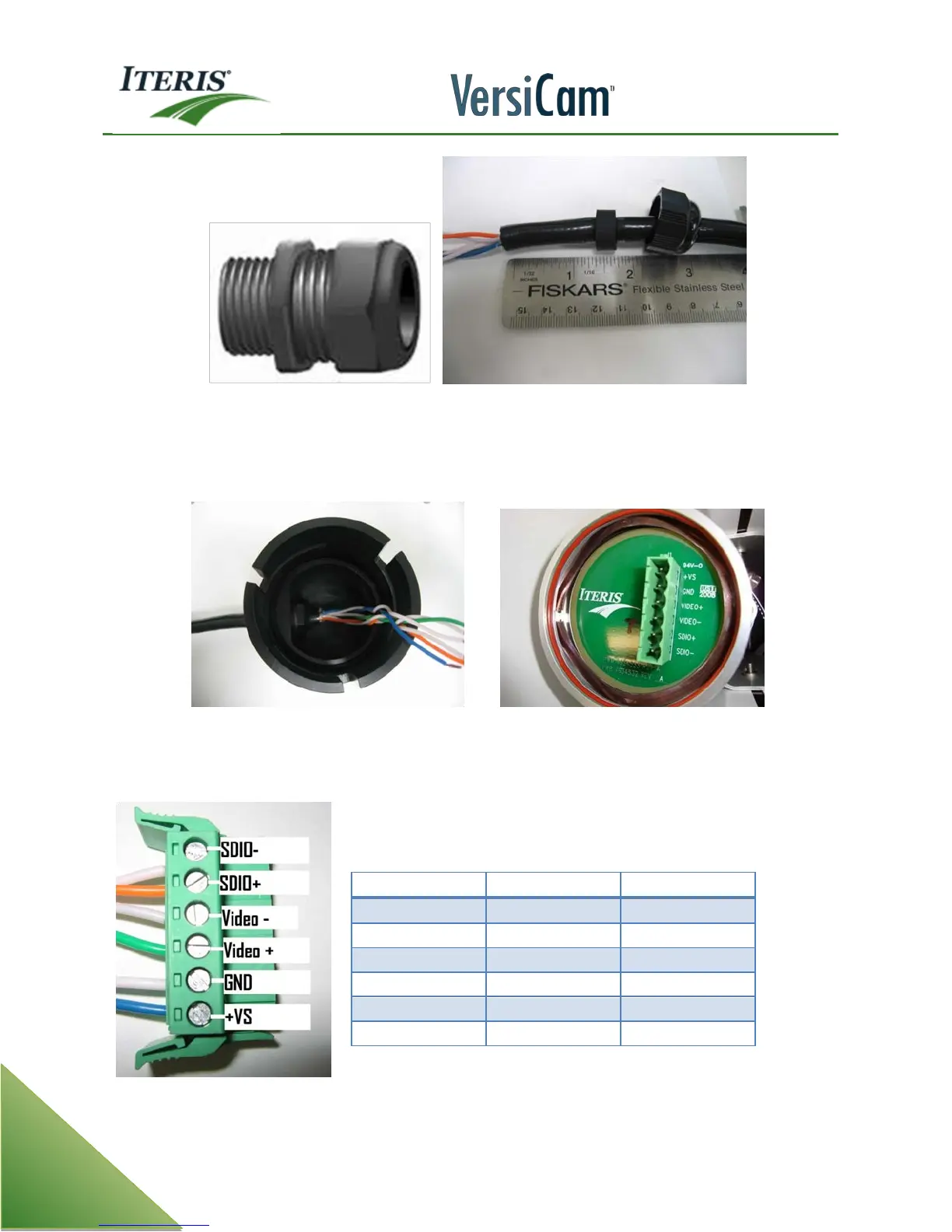
Cord Grip Strain Relief Plug Pushed Over Cable
Remove the cable cord grip cap and grommet from the assembly by unscrewing it. Install the grommet and
cap on the cable and push the prepared cable through the cord grip body approximately four inches as
shown below.
Push Cable Through Cap Assembly Back of Camera With Cap and Plug Removed
Re-assemble the cord grip. After the cord grip is securely installed back on the cap assembly, tighten the
nylon nut down until it the inner rubber grommet firmly grips the cable body. Hand tight is usually sufficient.
Camera Processor Unit Connector Plug



 To Next Page