User Guide
Next, insert each wire into the correct slot on the ICC connector plug as shown. Be sure to take note of the
orientation of the plug in the picture. Secure each wire in place by tightening down each screw using a small
flat blade screwdriver.
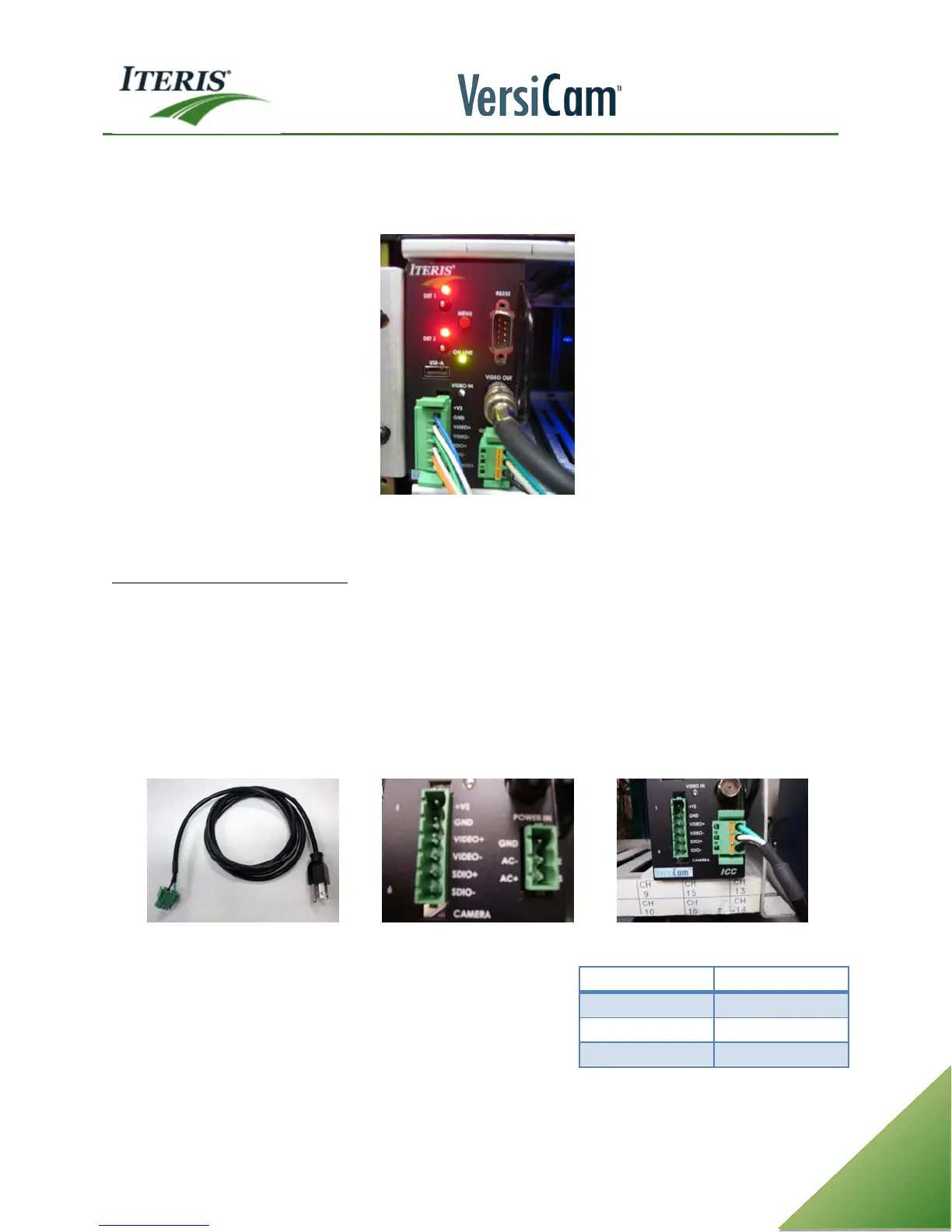
ICC Module with All Connector Plugs Installed
Plug the fully wired connector plug into the ICC Module, it is keyed so you can only plug it in one way.
ICC Module AC Power Requirement
The VersiCam ICC module requires AC power which can be supplied by the plug on the front faceplate or can
be supplied from the back of the module on pins L, M, and N. If AC power is available from the rack on pins L,
M, and N, the front panel connector is disabled. If the rack does not provide AC power on pins L, M, and N,
use the pre-wired AC power cord. Plug it into a suitable 120 VAC source and plug the other end into the
socket on the front of the ICC module.
Typically, NEMA users will need to use the front plug for AC power while 332 / 170 type users will have AC
power supplied from the cabinet input file (rack).
IC Module AC Power Cord ICC Module Connector Plug Sockets AC Power Cord Plug Installed
The three pin socket on the right side of the ICC module face
plate is for the power connections. Insert the plug into the
socket as shown, the connector is keyed and can only be
inserted one way. The table indicates pin assignment when AC
power provided from the input file backplane.



 To Next Page