User Guide
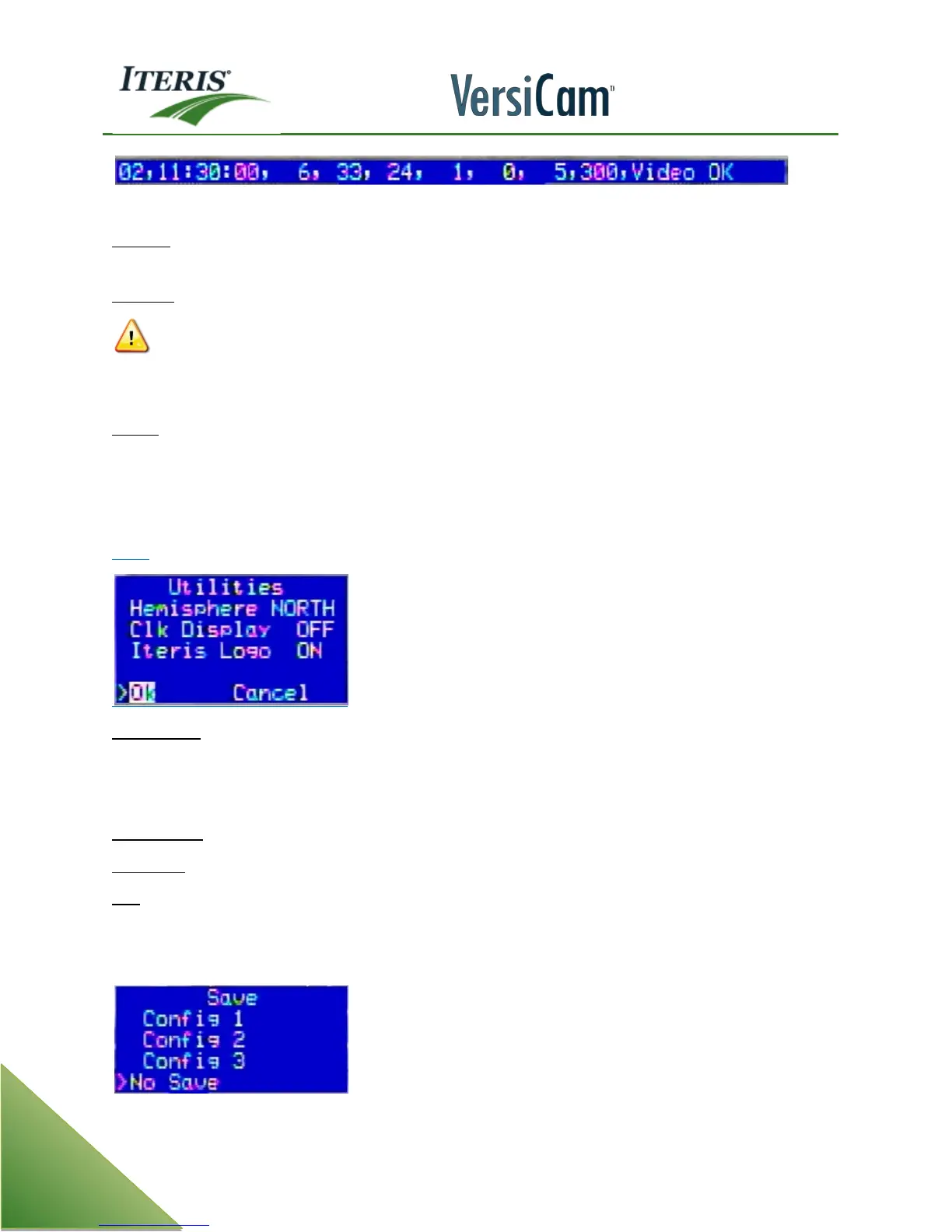
Count String = Zone Detail Number, Time, Count, Video Status
Bin Zone - This parameter tells the "Bin Last" function, when activated (On), which bin last zone count data to
display.
Bin Reset - This function allows the user to reset (clear) the data bin.
CAUTION! All count data will be cleared from memory when this function is turned "On". Unlike
most functions, where you must Exit the menu and Quit and Save or select No Save first to
activate the function; Bin Reset clears the bin data as soon as you select "On". The parameter will
then return to "Off" and the data bin has now been completely cleared.
Unit ID - This function has two uses. First, it displays the current Unit ID of the VersiCam system. Secondly, it
allows the user to set the User ID of the VersiCam system to any four alphanumeric character string
consisting of numbers or characters. The primary reason to change Unit ID is for multi-drop applications; if
you are not using multi-drop, it is strongly recommended that you leave your Unit ID set to factory default
which is "0000".
More
Hemisphere – The internal Real Time Clock is used by the algorithm to estimate when day/night and
night/day transitions occur throughout the year. This setting informs the system which hemisphere the
system is operating in. This is important as the seasons are reversed from Northern to Southern hemisphere.
The default setting is North.
Clock Display – Turns the Real Time Clock display on or off.
Iteris Logo – This gives you the option to turn the Iteris Logo display on or off. The default is set to on.
Exit - This function exits the Utility option menu and returns the user back to the main menu bar.
4.13 Quit Menu
The Quit menu allows you to exit the configuration process once all changes have been made.



 To Next Page