User Guide
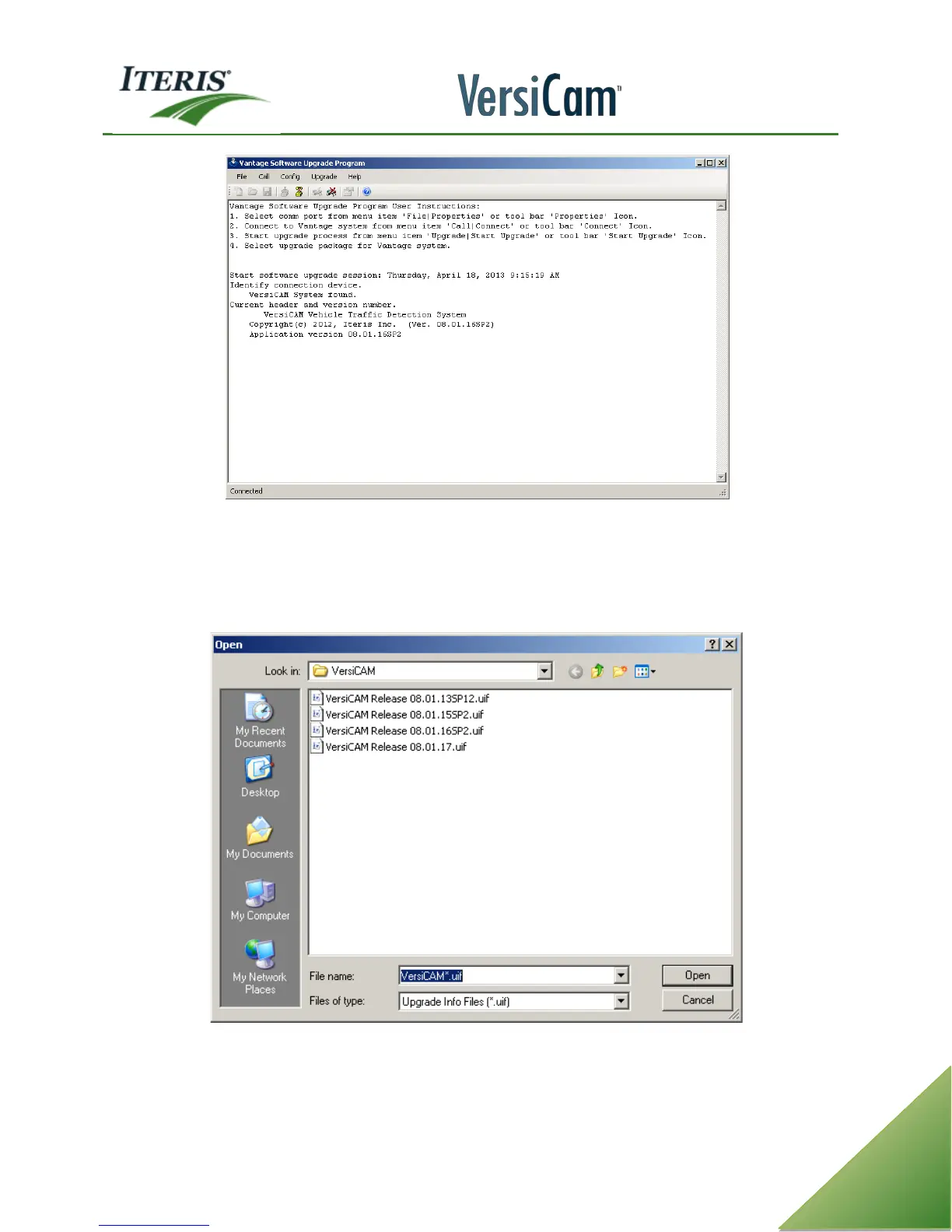
VSU process is started and processor is identified. Edge2-1 processor running 04.01.14.
h. Select a firmware file for upgrade. Firmware choices for upgrade are listed below. Select a file
and click on “Open”.
If no firmware choices exist at this point, firmware files must be installed.
Firmware Upgrade Choices
i. Now the VSU process begins. The VSU program automatically saves the current configuration to
a file named “VSUUpgrade.vcf”. This file is located in the VSU directory “C:\Program Files\Iteris,



 To Next Page