User Guide
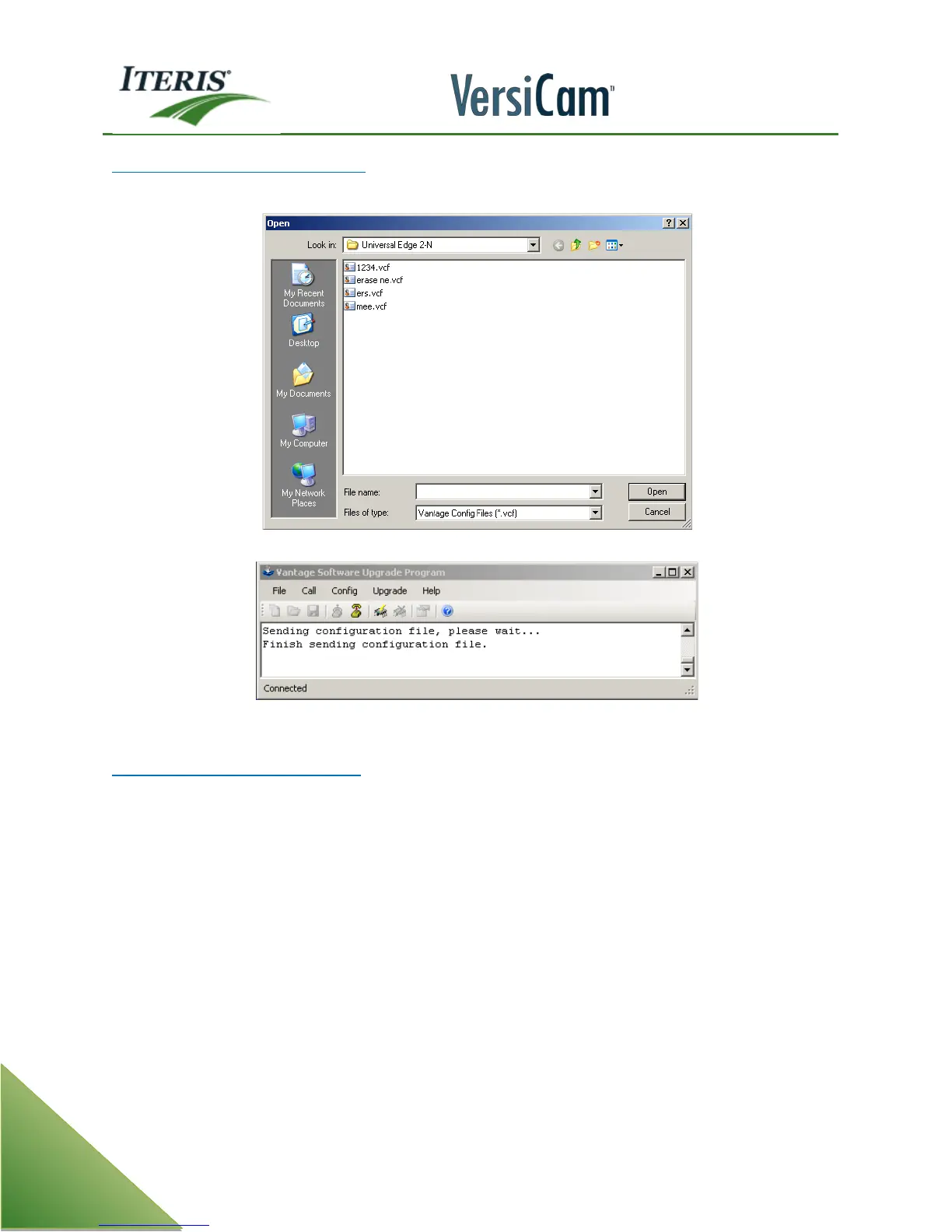
To send a config file to the processor:
Under the “Config” menu choose “Send config”. Choose a file and click on “Open”.
Send File Dialog box
Sending config message
Some Helpful Software Upgrade Tips
Always make sure you are using the correct file transfer cable as described earlier in this section. If the wrong
cable is used, you will not be able to connect to the VersiCam system and transfer data effectively.
Make sure the correct comm. settings are set in the VersiCam system before attempting to upgrade firmware
using the VSU program. The VersiCam camera processor comm settings under the "Mode" menu should be:
Baud 38400
Parity NONE
FlowCtrl HRDWRE
It is a good habit to save your zone configuration on your computer before upgrading firmware, so if
something should happen you can easily restore the original zone configuration.



 To Next Page