User Guide
Finished Upgrade session
l. After the upgrade the Vantage Software Upgrade Program automatically restores your original
configuration. This completes the Vantage Software Upgrade process.
Sending and saving configuration files
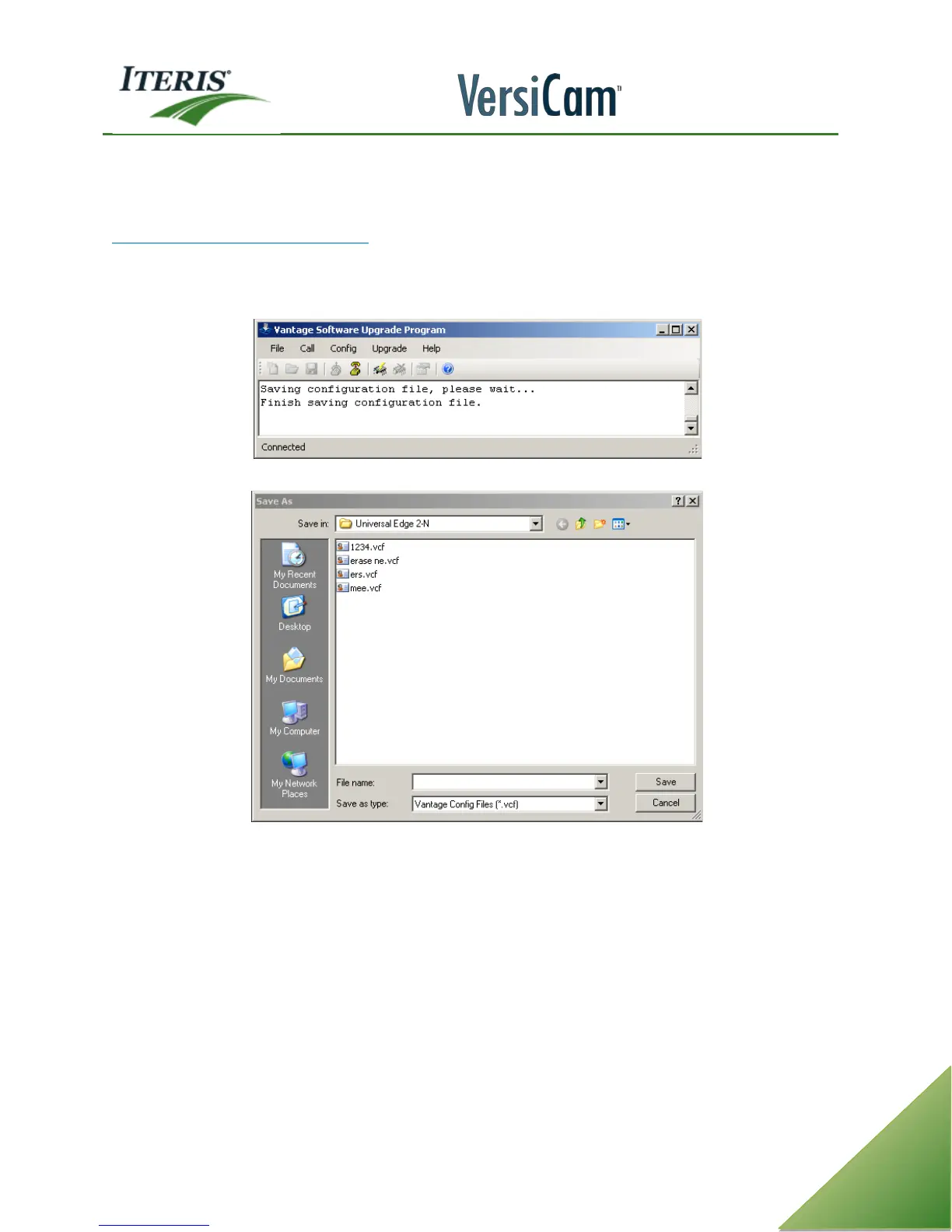
Under the config menu there are two choices “send config” or “save config”. To save a configuration select
“save config”. Choose a name and click on “save”. The config file is stored in the “C:\program files\Iteris
Inc\Vantage software upgrade program” directory. These saved configuration files are compatible with VRAS.
Save config message
Save Config dialog box



 To Next Page