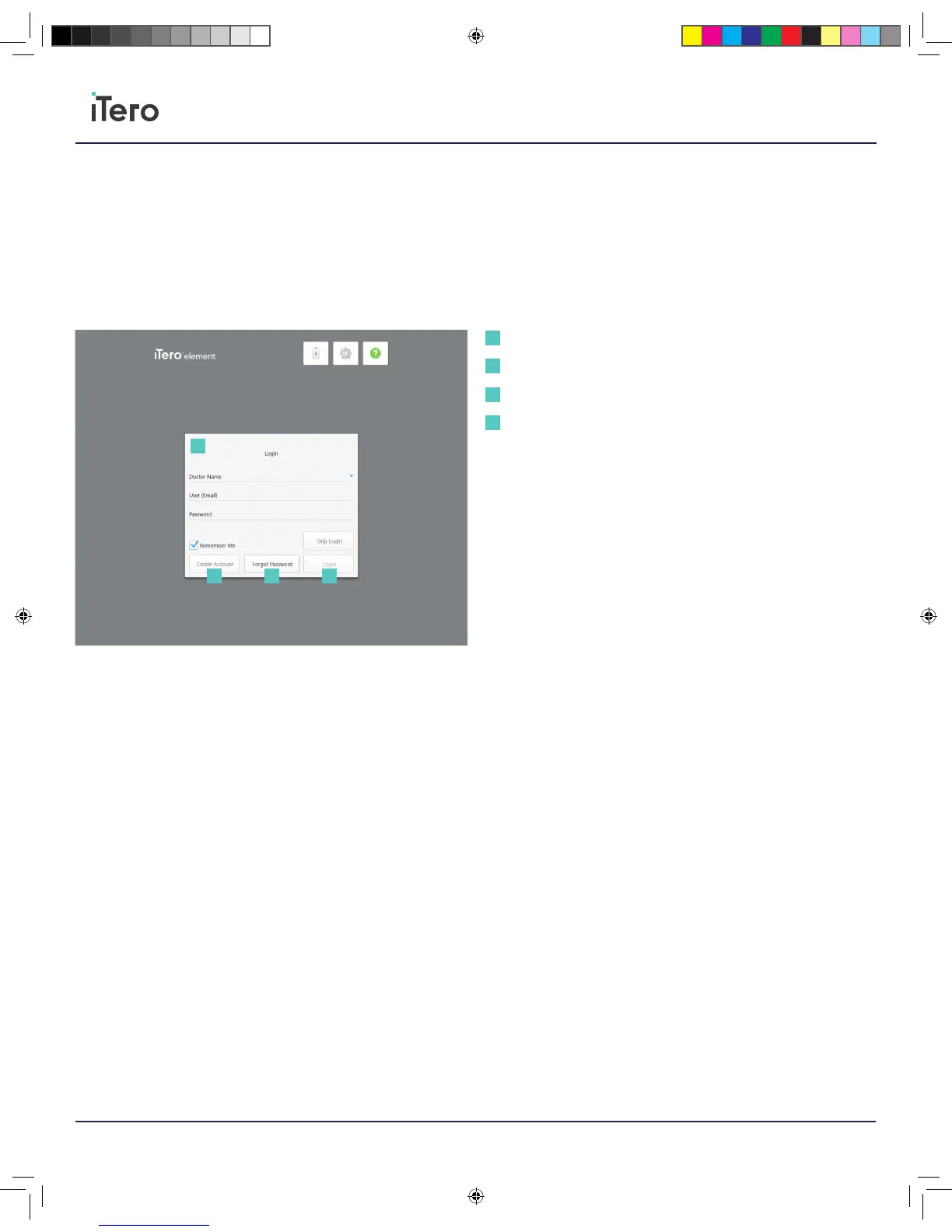
Login
When the scanner is powered on, the login screen for the iTero Element
5D will appear.
Please have your MyiTero account information ready when logging
in to the iTero Scanner. You will need your name, account email, and
password. Fill out all the necessary fields and click the Login button.
Create account
To create an account, please press the bottom button labeled Create
Account. Enter an email and create an account to use on the iTero
Scanner and MyiTero.com.
Forgot password
If you forgot your password, press the lower button labeled Forgot
Password. Enter your registered account email and a temporary
password will be sent to your email. Alternatively, answer your
predetermined security question and gain access to the account from
the scanner.
Chapter 2:
Logging in to the scanner application
User information
Create Account
Forgot Password
Login
1
1
2
2
3
3
4
4
206721RevC_iTeroElement5D_IFU.indd 6 1/9/19 3:12 PM



 To Next Page