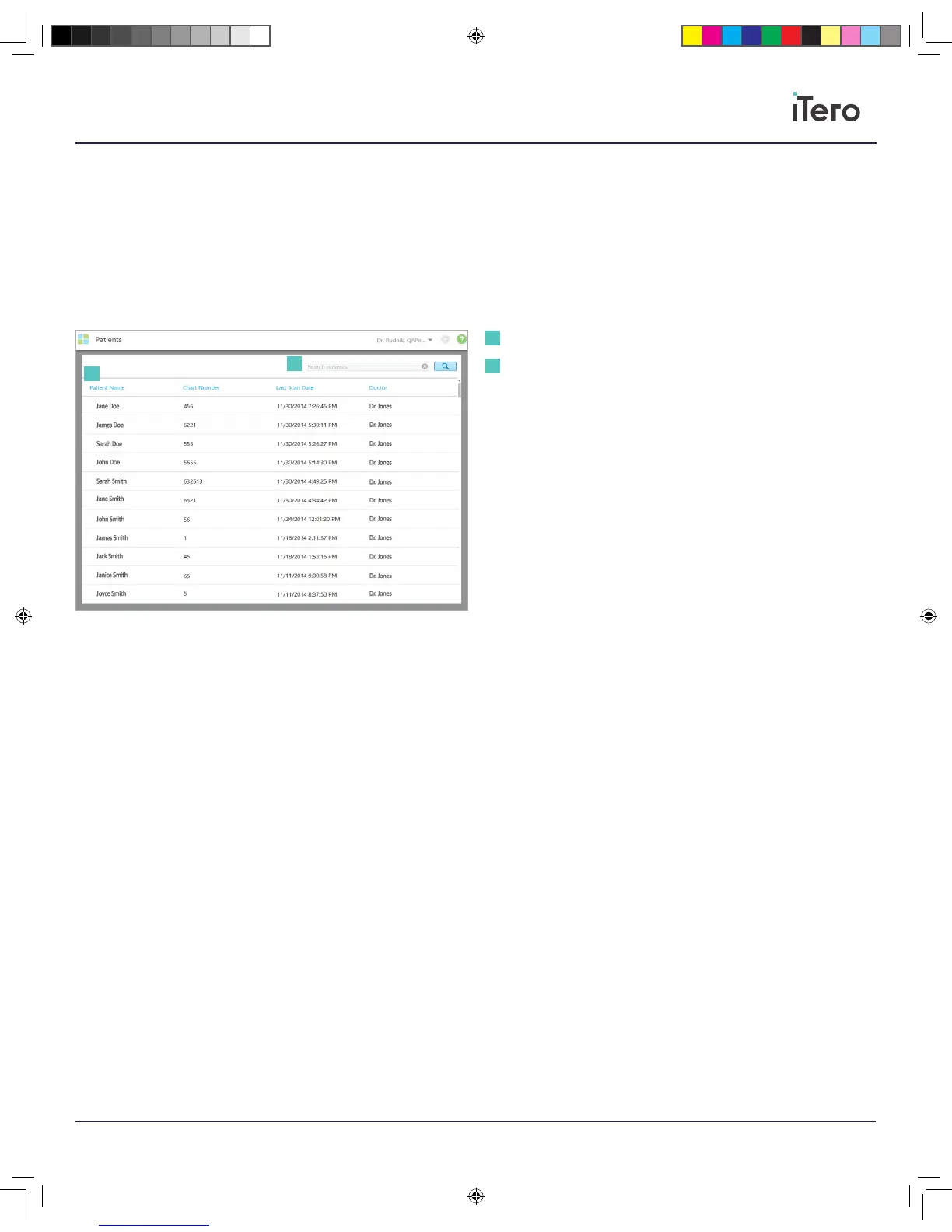
On the home screen, press the icon labeled Patients to locate a
patient and their scans. Press on a patient to add a new scan or view
previous scans.
Patient page: View any patients, see historical scans associated with the
patient, access iTero TimeLapse, or add a new scan.
Search bar: Search for specific patients using their names or
chart numbers.
Chapter 8:
Patients
Patient page
Search bar
1
1
2
2
206721RevC_iTeroElement5D_IFU.indd 21 1/9/19 3:12 PM



 To Next Page