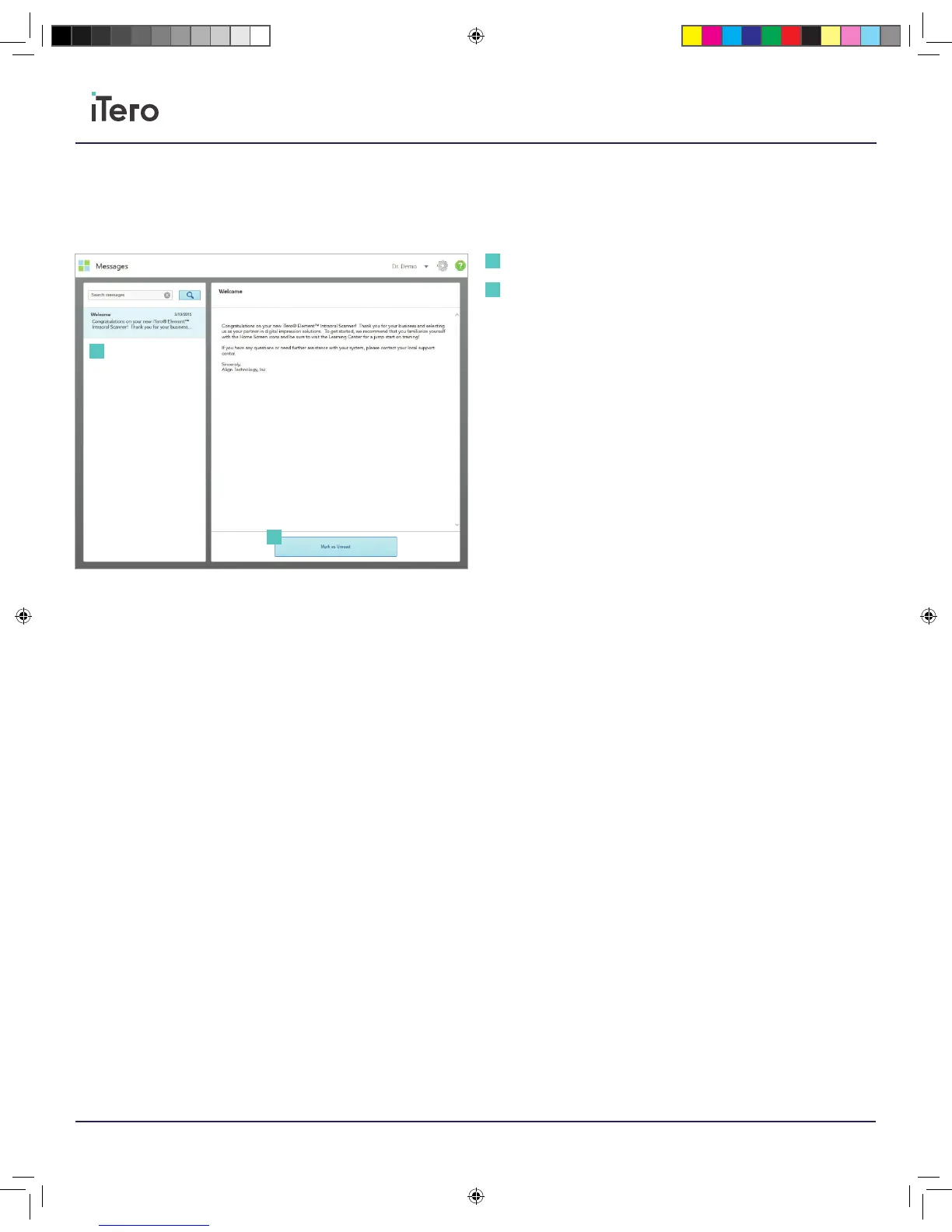
Press the Messages icon from the home screen to view notifications,
updates and other messages from Align Technology. On the left side of
the page, search for specific messages by subject title quickly or, press
on the right side of the screen and scroll down the page to search and
find a specific message. To mark any message as unread, press Mark
as Unread.
Chapter 4:
Messages
Inbox
Mark as Unread
1
1
2
2
206721RevC_iTeroElement5D_IFU.indd 12 1/9/19 3:12 PM



 To Next Page