Demo Mode: Initiate Demo Mode for practice without saving any data.
Exit to Windows: To Exit the iTero interface and return to Windows. Note:
Only available on iTero laptop configuration devices.
Cancel: To exit from the screen and return to normal use.
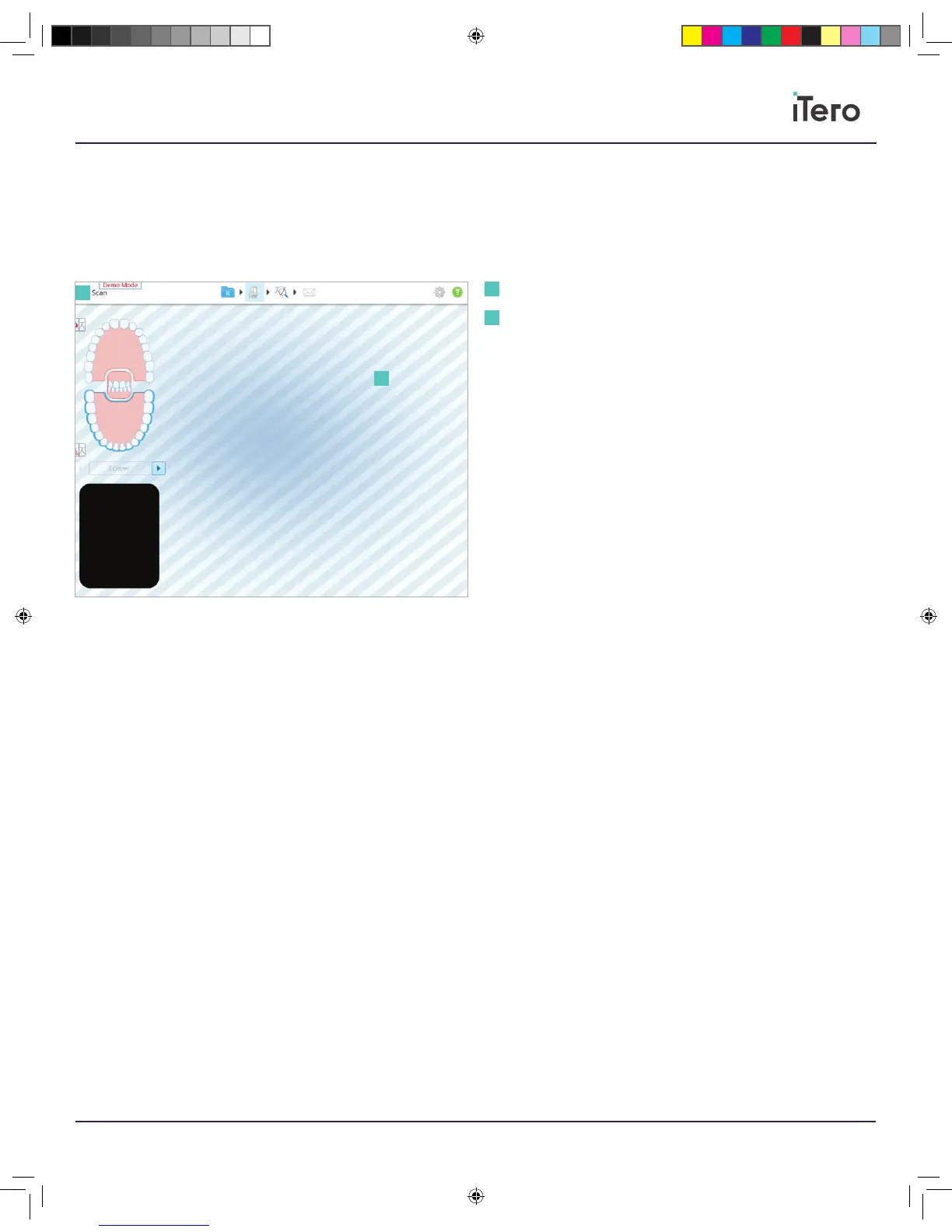
Demo Mode tag: The red tag indicator when using Demo Mode.
Striped background: A striped background will appear while scanning. It
is designed to prevent scanning real patients in Demo Mode.
Practice any portion of the patient experience. Any scans taken during
Demo Mode cannot be submitted for treatment. To exit Demo Mode,
please go back to the home screen and press the iTero Element logo.
The menu for Demo Mode will appear in order to exit Demo Mode.
1
Demo Mode tag
Striped background
1
2
2
206721RevC_iTeroElement5D_IFU.indd 11 1/9/19 3:12 PM



 To Next Page