3
iTOUCH AIR 2S USER GUIDE
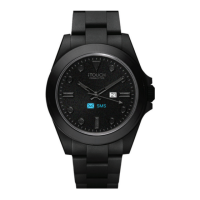
Everything you need to know about the iTOUCH AIR 2S Smartwatch
What’s in the box
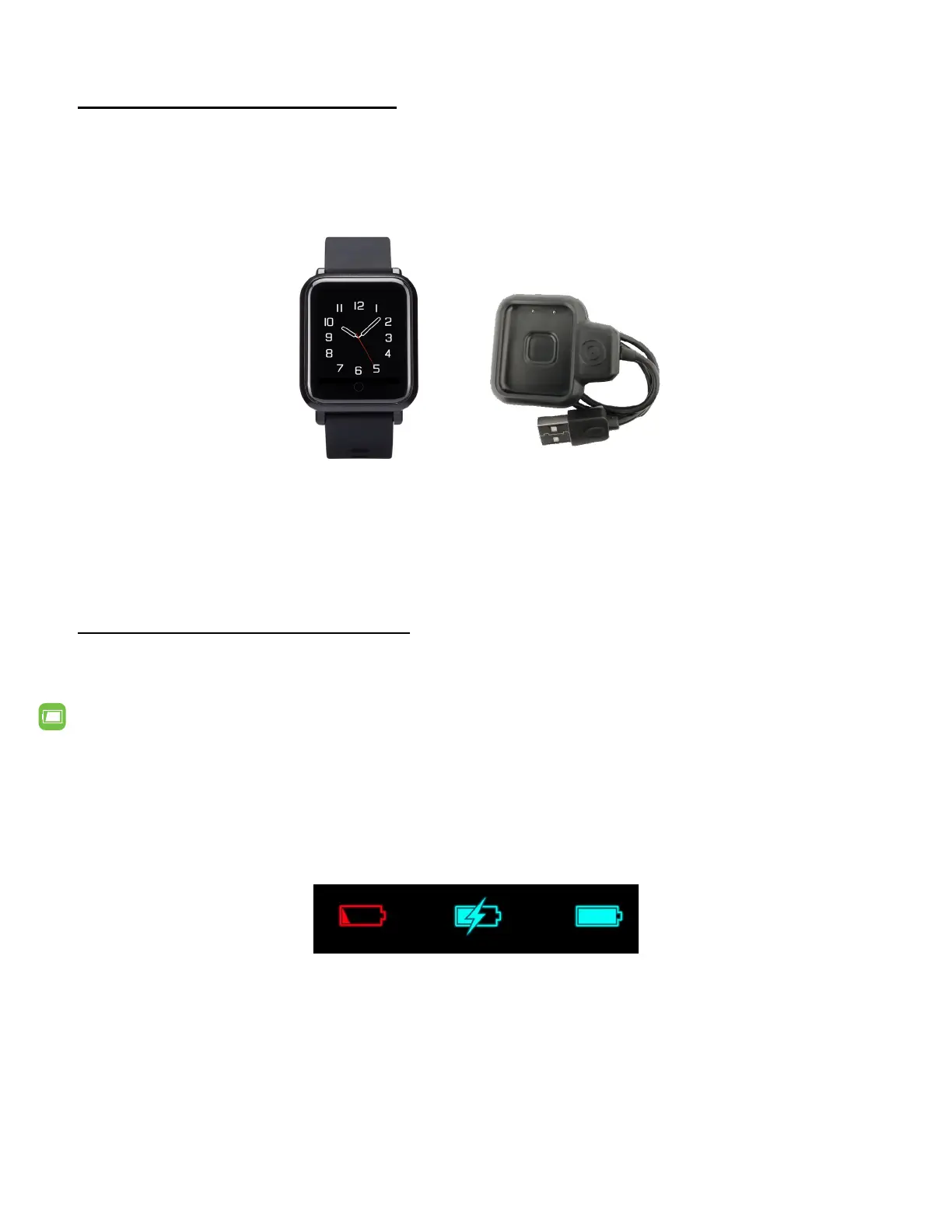
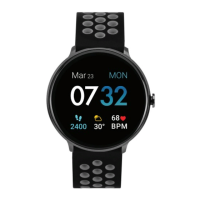
Your iTOUCH AIR 2S box includes:
iTOUCH AIR 2S Smartwatch Clamp Charging Cable
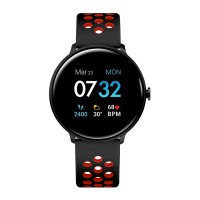
(Color and material vary)
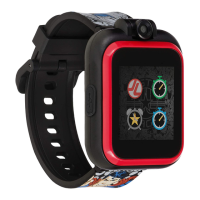
The interchangeable straps on the iTOUCH AIR 2S comes in a variety of colors and materials, sold seper-
ately.
Seng up your iTOUCH AIR 2S Smartwatch
For the best experience, use the iTOUCH AIR Special Edion app for iPhones and Android phones. A
smartphone is required for call, text, calendar, and smartphone app nocaons.
Charge Your Smartwatch
A fully charged iTOUCH AIR 2S has a baery life of up to 30 days (Standby me). Baery life and charge
cycles vary based on usage, screen display brightness and etc.
1. Plug the charging cable into the USB port on your computer or a UL-cered USB wall charger.
2. Hold down the clamp on the other end of the charging cable and insert your smartwatch. The
pins on the charging base must lock securely with the smartwatch. A baery icon appears on the
screen to indicate your smartwatch is charging.
Note: Please take o plasc protector lm from the caseback before charging. Charging fully takes about
1 full hour.



 To Next Page