4
Set up with your smartphone
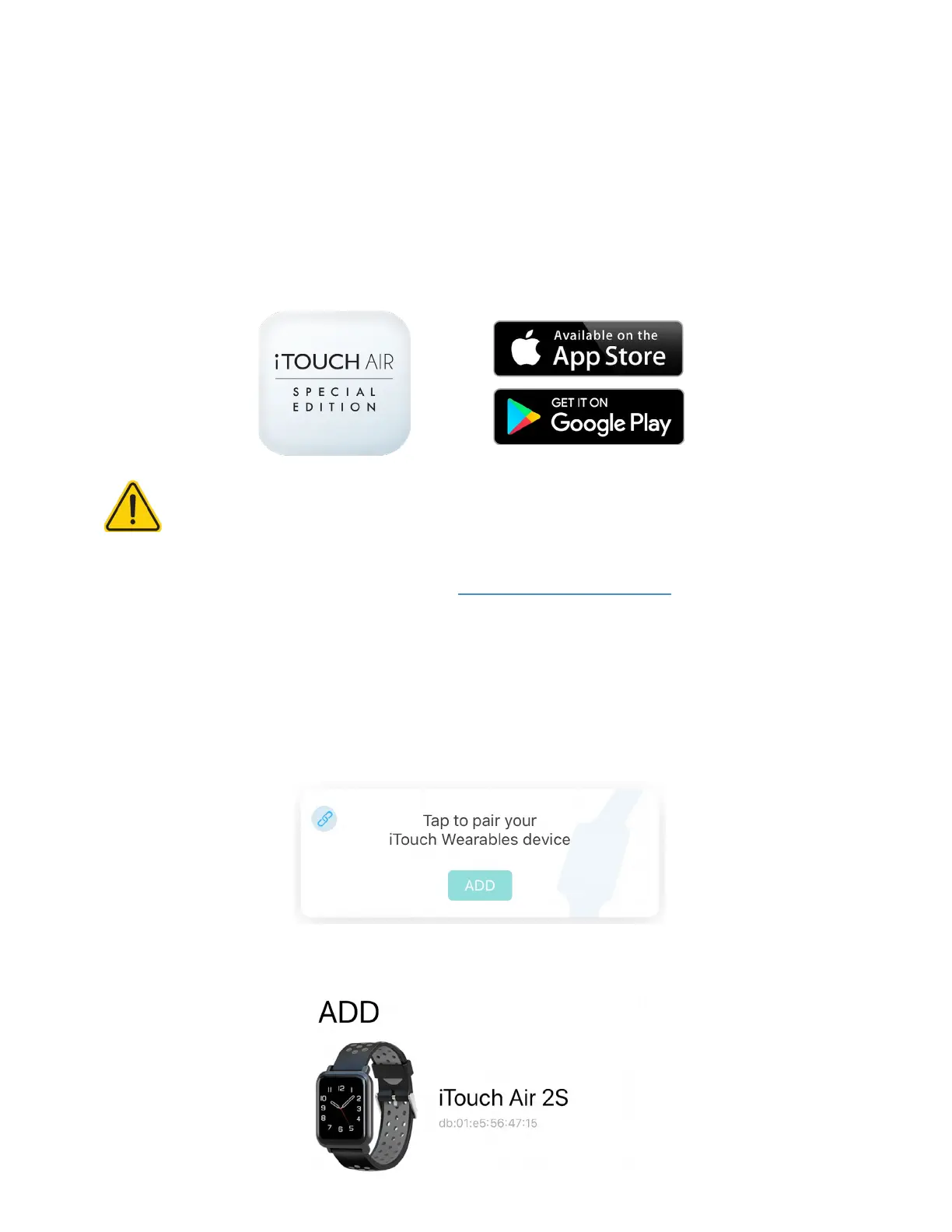
The free iTOUCH AIR Special Edion app is compable with most iPhones and Android Phones.
To get started:
1. Find the iTOUCH AIR Special Edion app in one of the locaons below, depending on your smart de-
vice.
- Apple App Store for iPhones
- Google Play Store for Android Phones
2. Download and install the iTOUCH AIR Special Edion App
YOUR ITOUCH AIR 2S WILL ONLY WORK WITH THE ITOUCH AIR SPECIAL
EDITION SMARTWATCH APP SHOWN ABOVE.
This watch only funcons with this app and there will be connecvity issues if the incorrect app is used.
For more informaon and links to the apps, go to: www.iTouchwearables.com.
3. When the app is installed, open it to be guided through a series of quesons that help you create a
prole. Connue to follow the on-screen instrucons to connect your iTOUCH AIR 2S Smartwatch to your
smartphone. (We highly encourage the user to allow all nocaons & pairing access to their smart-
phones.)
4. To connect & sync your smartwatch to your device, tap add to search for your iTOUCH AIR 2S Smart-
watch.
Search and select iTOUCH AIR 2S to pair.



 To Next Page