5
Please read through the guide to learn more about your new smartwatch and then explore the iTOUCH
AIR Special Edion App.
See your data in the iTOUCH AIR Special Edion app
Sync iTOUCH AIR 2S Smartwatch to transfer your data to the app, where you can view your exercise
(Steps, Miles, Calories burned, and duraon) and sleep (resul, light, and awake) data, heart rate, and
more. We recommend syncing your smartwatch to the app at least once a day.
Each me you open the iTOUCH AIR Special Edion app, your smartwatch will sync automacally when
it’s nearby.
BASICS
Learn how to best navigate your iTOUCH AIR 2S Smartwatch.
Navigate iTOUCH AIR Special Edion
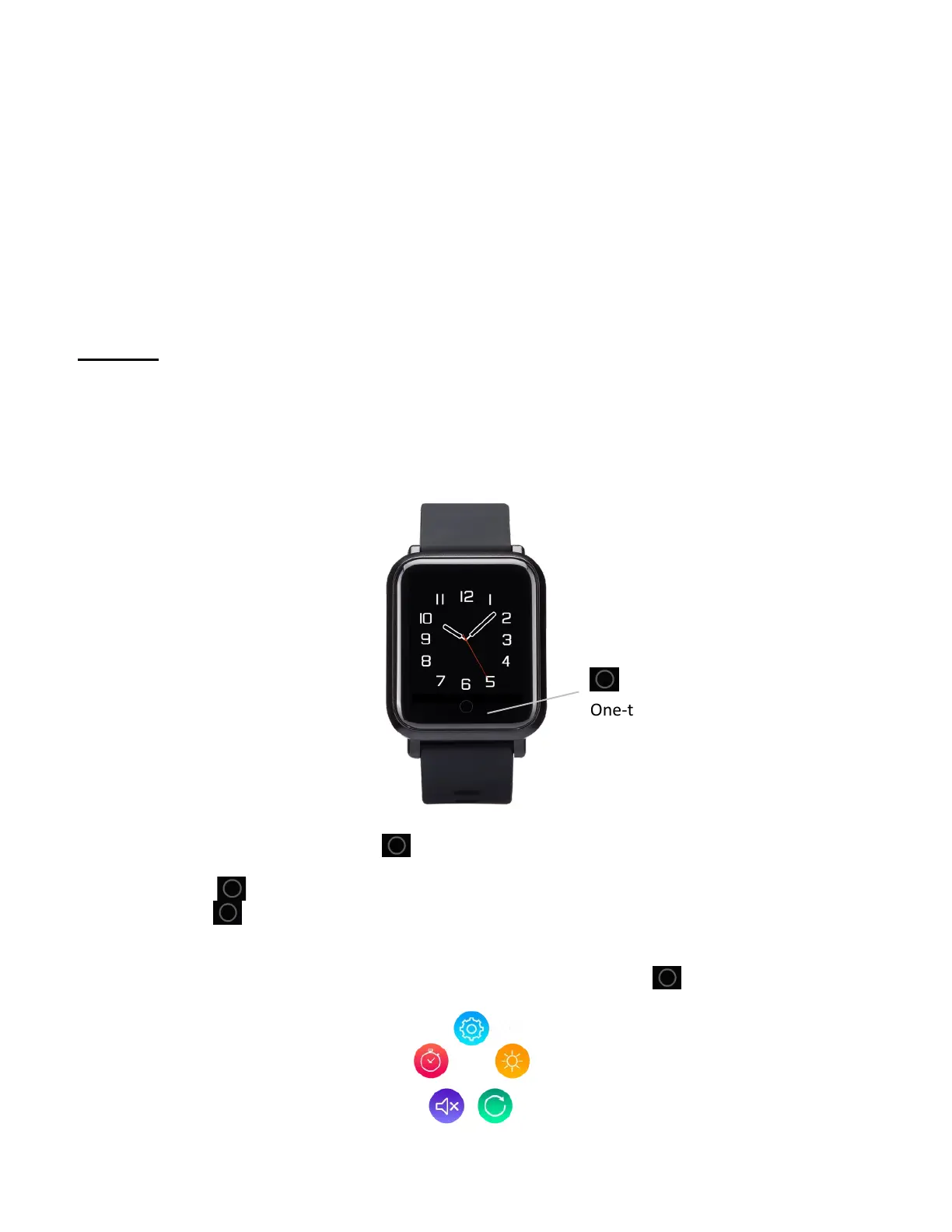
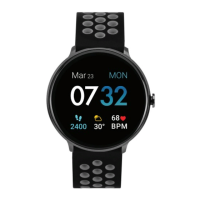
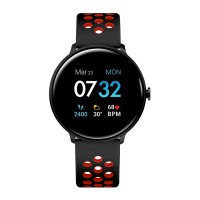
iTOUCH AIR 2S has a vibrant LCD display and a one-touch buon for navigaon.
One-touch Navigaon Buon
Navigate iTOUCH AIR 2S by pressing the buon.
The home screen is the watch face of the smartwatch.
- Press the buon to switch between apps on your smartwatch.
- Hold the buon to select and acvate an app, funcon or feature.
Sengs for your smartwatch
- Manage basic sengs including do not disturb, stopwatch, brightness, watch faces, reset and
shutdown directly on your smartwatch. Open the sengs app and tap/hold seng to adjust.



 To Next Page